Digital accessibility in higher education is both an instructional responsibility and a civil rights requirement. Under Title II of the Americans with Disabilities Act, public colleges must provide students with disabilities equal access to programs, services, activities, and communications.
Design courses so every student can meet each learning objective using materials, activities, and assessments that are equally effective for all learners. The standard for accessible digital content is the Web Content Accessibility Guidelines 2.1 Level AA; if a resource does not meet this standard, select or create one that does. This applies to any student-facing material accessed by digital means, whether in online, hybrid, or in-person courses. Read on for resources that explain course designer responsibilities and practical steps to bring materials up to standard.
Explore resources on digital accessibility on this page.
CGCC and District Resources for Implementing Digital Accessibility




Articles and Resources on Digital Accessibility


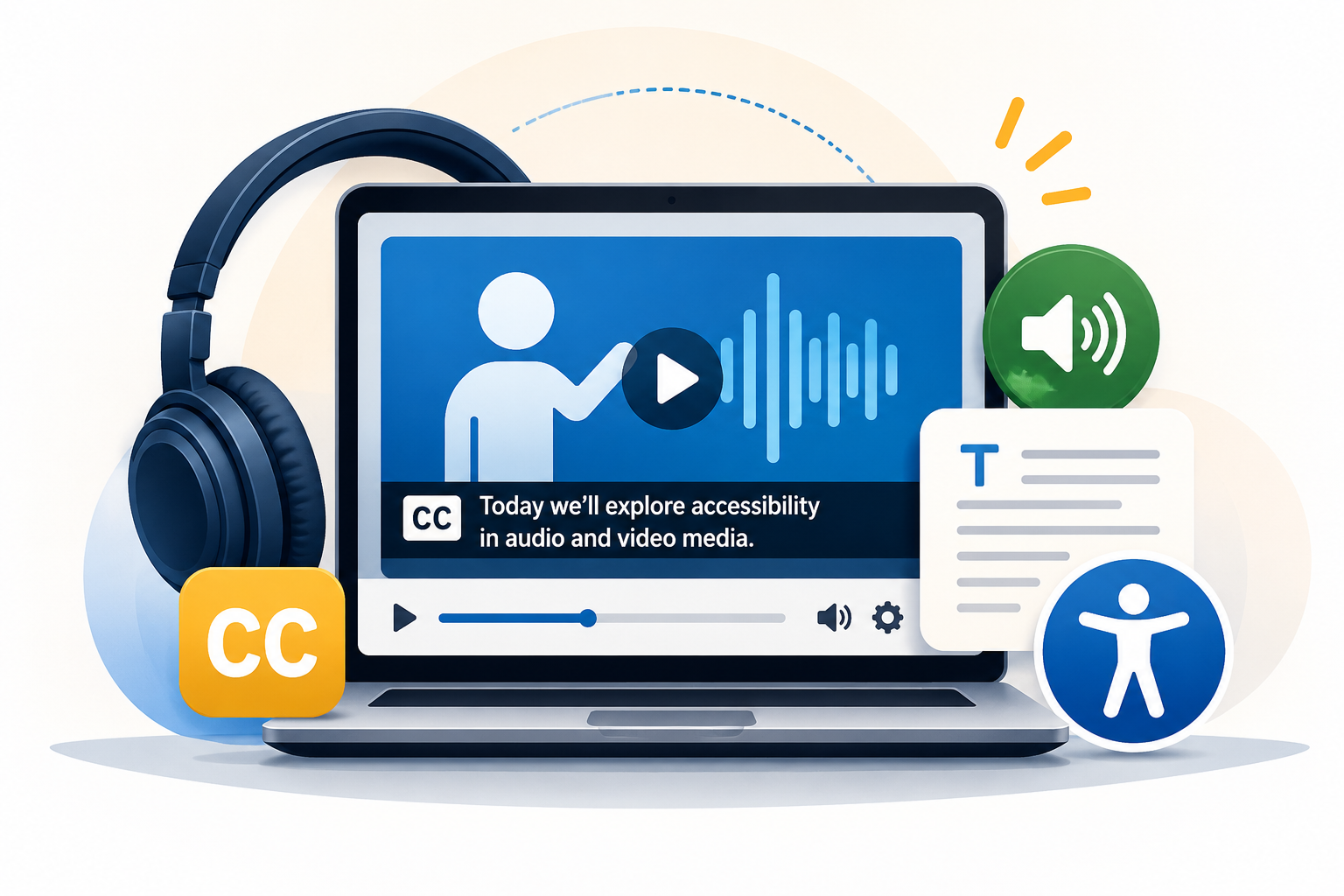
Audio and Video Media Accessibility
Information for accessibility guidelines regarding Audio and Video Media…
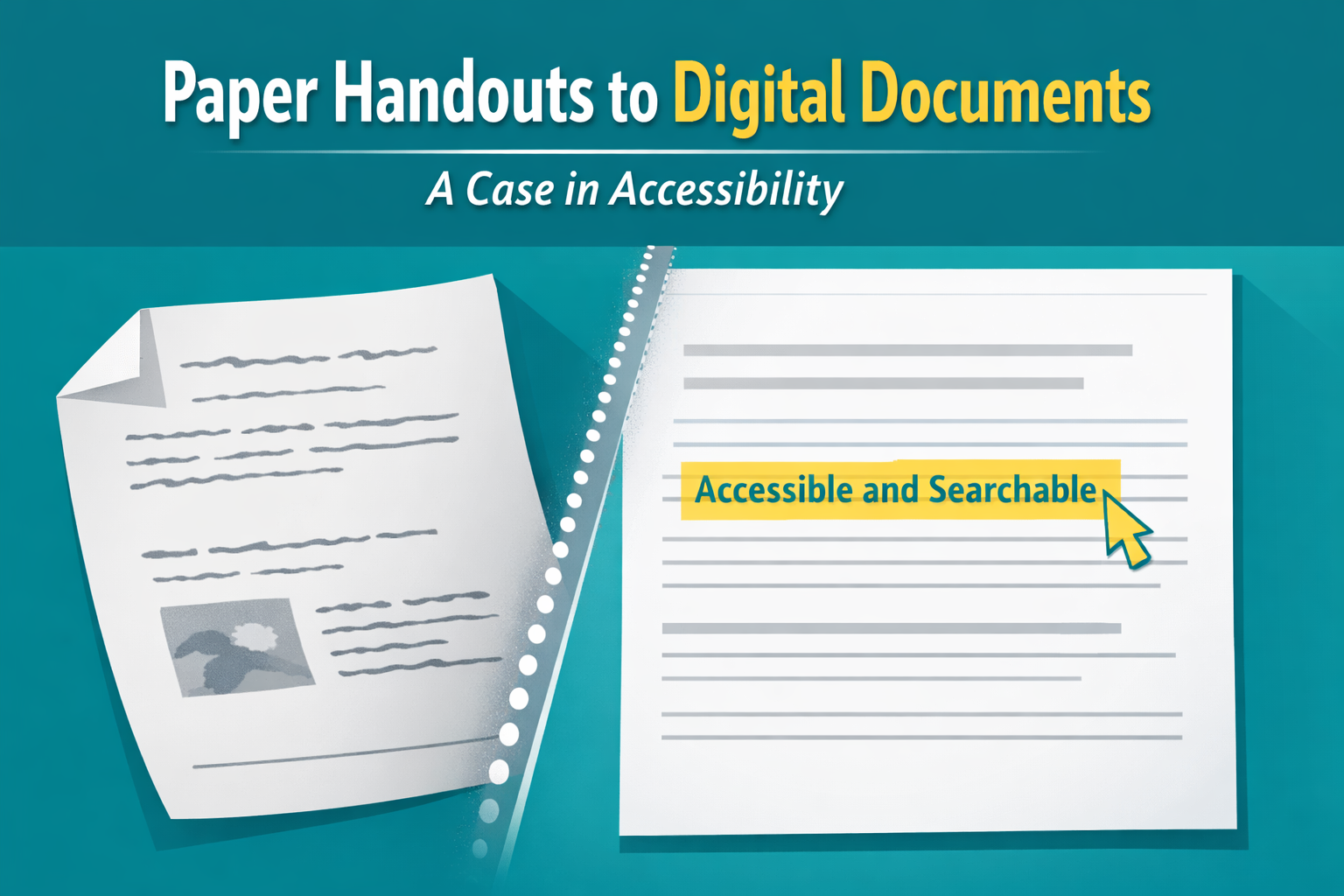
Paper Handouts to Digital Documents – A Case in Accessibility
A faculty member recently came to me with a challenge. She had a student…

The Secret Life of Canvas Files
Now that many of us organize our courses using Modules with Pages and Assignments, it’s…
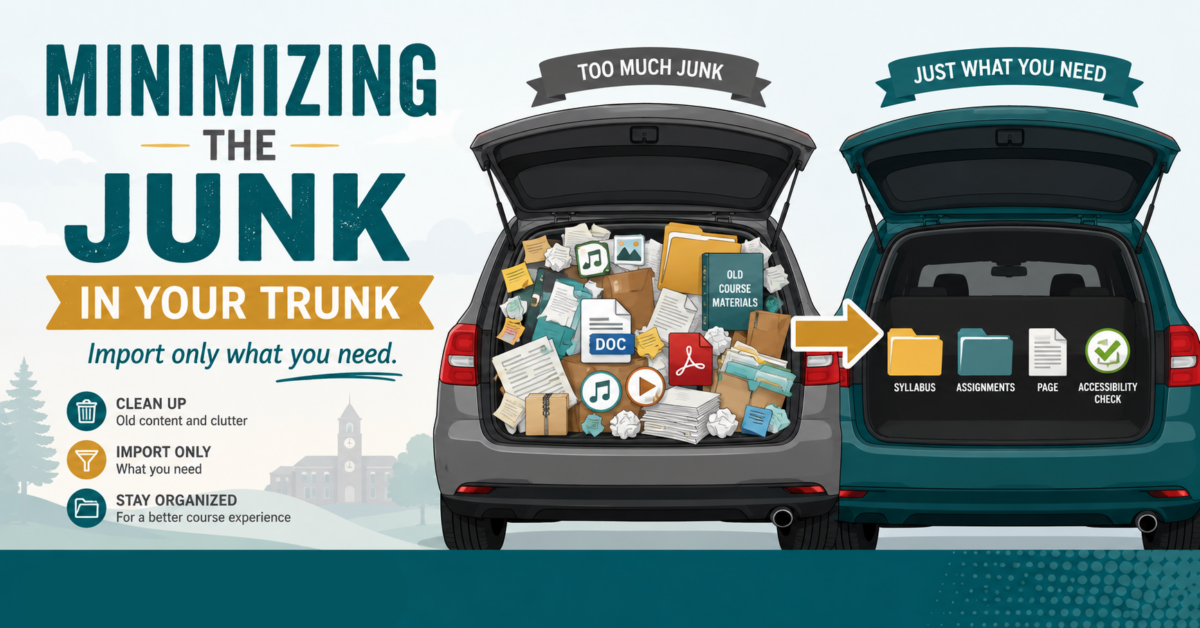
Minimizing the “Junk in Your Trunk” for a Clean Canvas
How do you create clean imports to Canvas via Panorama?…

Using AI for Digital Accessibility
How can you use AI to assist you in enhancing digital accessibility?…

From Icons to Insight – Making Sense of Panorama in
This is how you can further utilize Panorama to get the most out of…

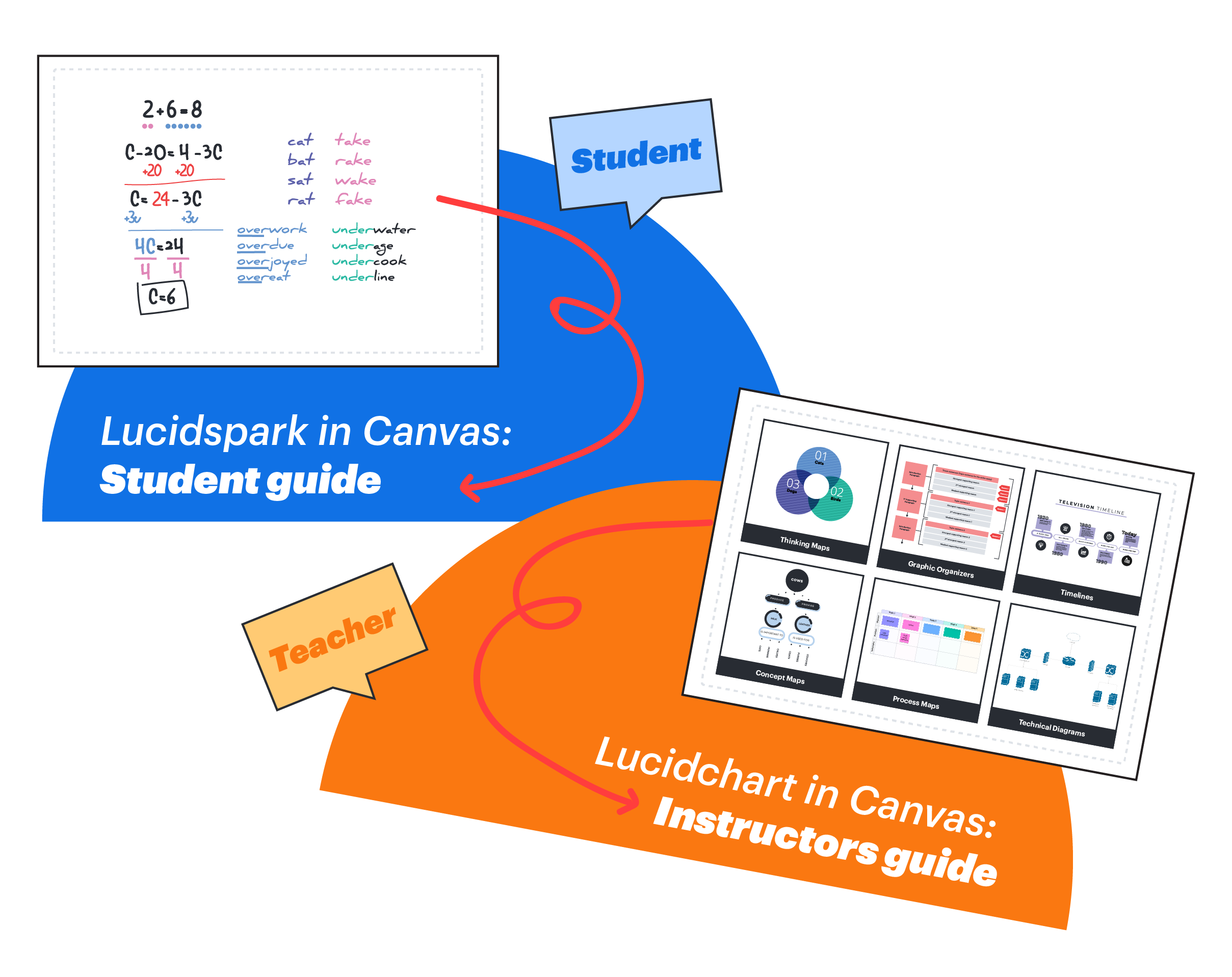
Lucid Whiteboard Canvas Integration
Lucid Whiteboard (Lucidspark) is now available for free in Canvas. This collaborative tool supports…
Use Khanmigo to Build Rubrics That Work for You and Your Students
Grading rubrics are one of the most powerful tools you can use to support…
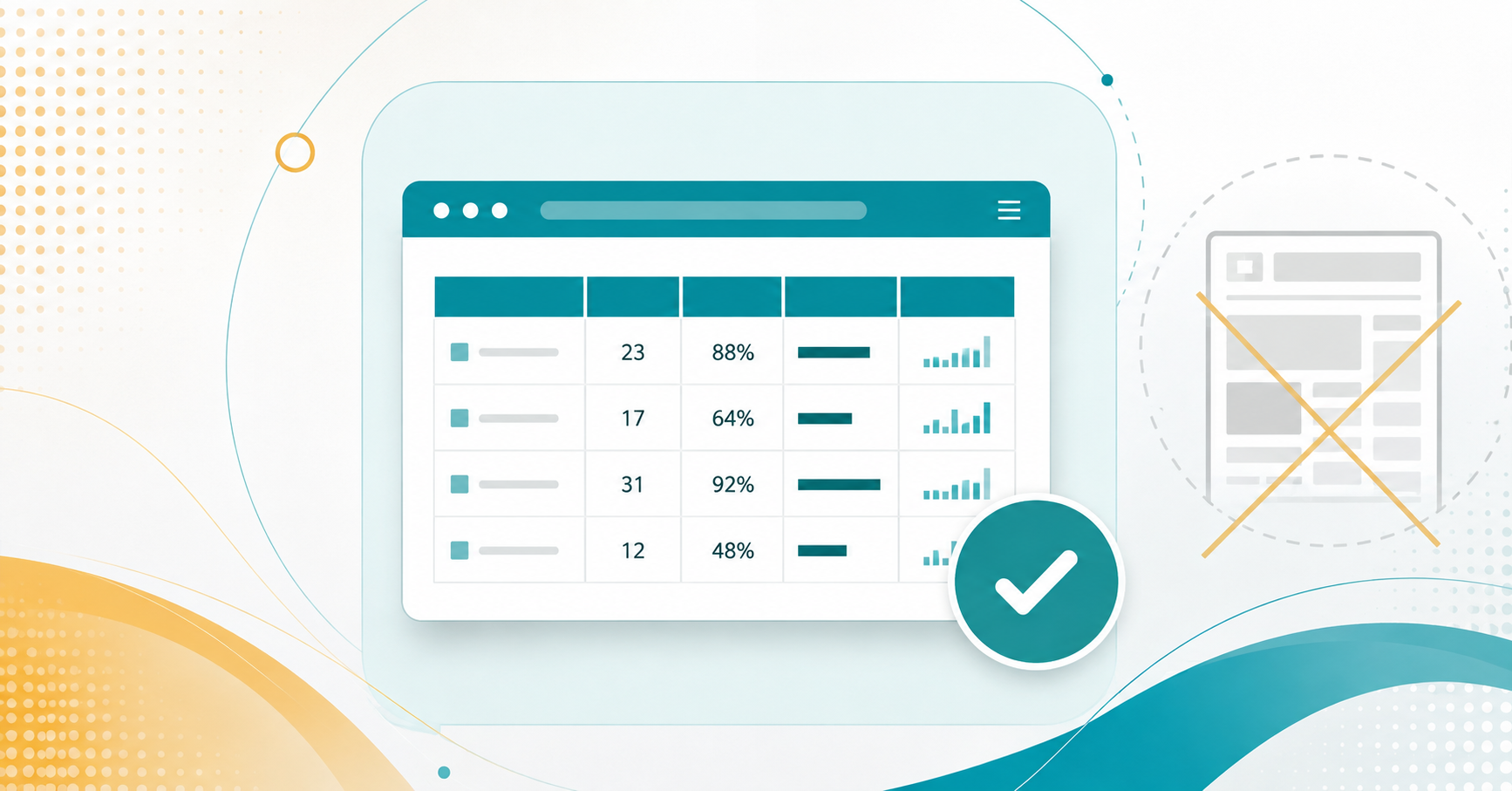
Tables in Canvas: When (and When Not) to Use Them
What are some determining factors for using tables?…
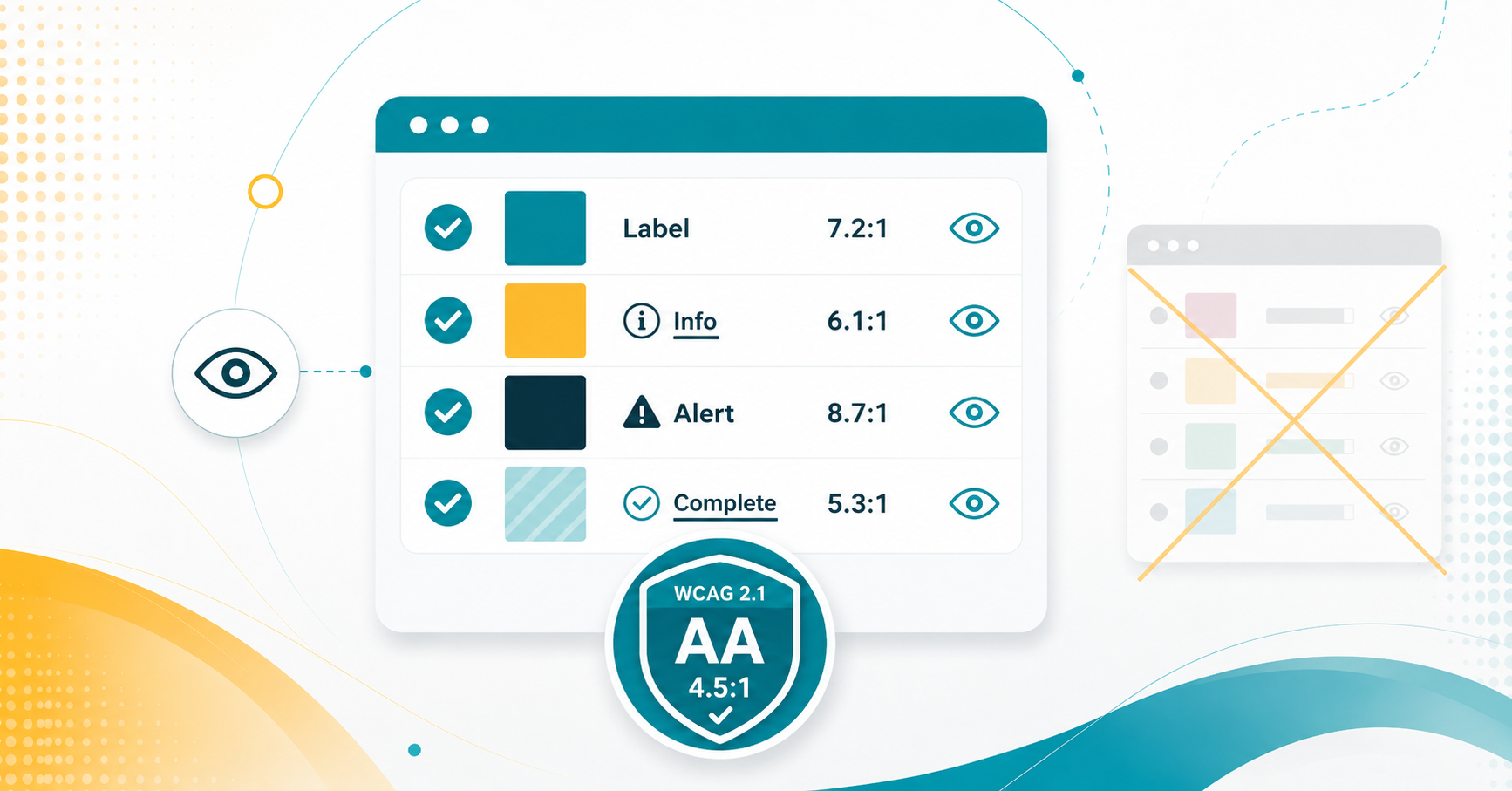
Color with Care: Accessibility in Canvas
What can you do to use colors in a way that promotes accessibility?…