Digital accessibility in higher education is both an instructional responsibility and a civil rights requirement. Under Title II of the Americans with Disabilities Act, public colleges must provide students with disabilities equal access to programs, services, activities, and communications.
Design courses so students can access course materials, participate in learning activities, and demonstrate what they have learned without barriers created by the course design. Apply accessibility and Universal Design for Learning principles from the beginning rather than relying on accommodations after barriers occur.
The technical standard for accessible digital content under Title II of the Americans with Disabilities Act is the Web Content Accessibility Guidelines 2.1 Level AA. The U.S. Department of Justice’s final rule requires state and local government entities, including public institutions, to ensure covered web content and mobile applications meet this standard. For public entities serving populations of 50,000 or more, the current compliance deadline is April 26, 2027.
Read the DOJ Fact Sheet for an overview of the rule and its requirements.
If a resource does not meet this standard, remediate, select, or create one that does. This applies to any student-facing material accessed by digital means, whether in online, hybrid, or in-person courses.
Read on for resources that explain course designer responsibilities and practical steps to bring materials up to standard.
CGCC and District Resources#
Articles and Resources#

Panorama, Canvas, and Accessible Course Content September Webinar #
This session introduces Panorama and demonstrates how faculty can use it alongside Canvas to…

Accessibility in Action Series #
Join Juliet Crocco, CTLA Training and Development Consultant, throughout the academic year for practical…
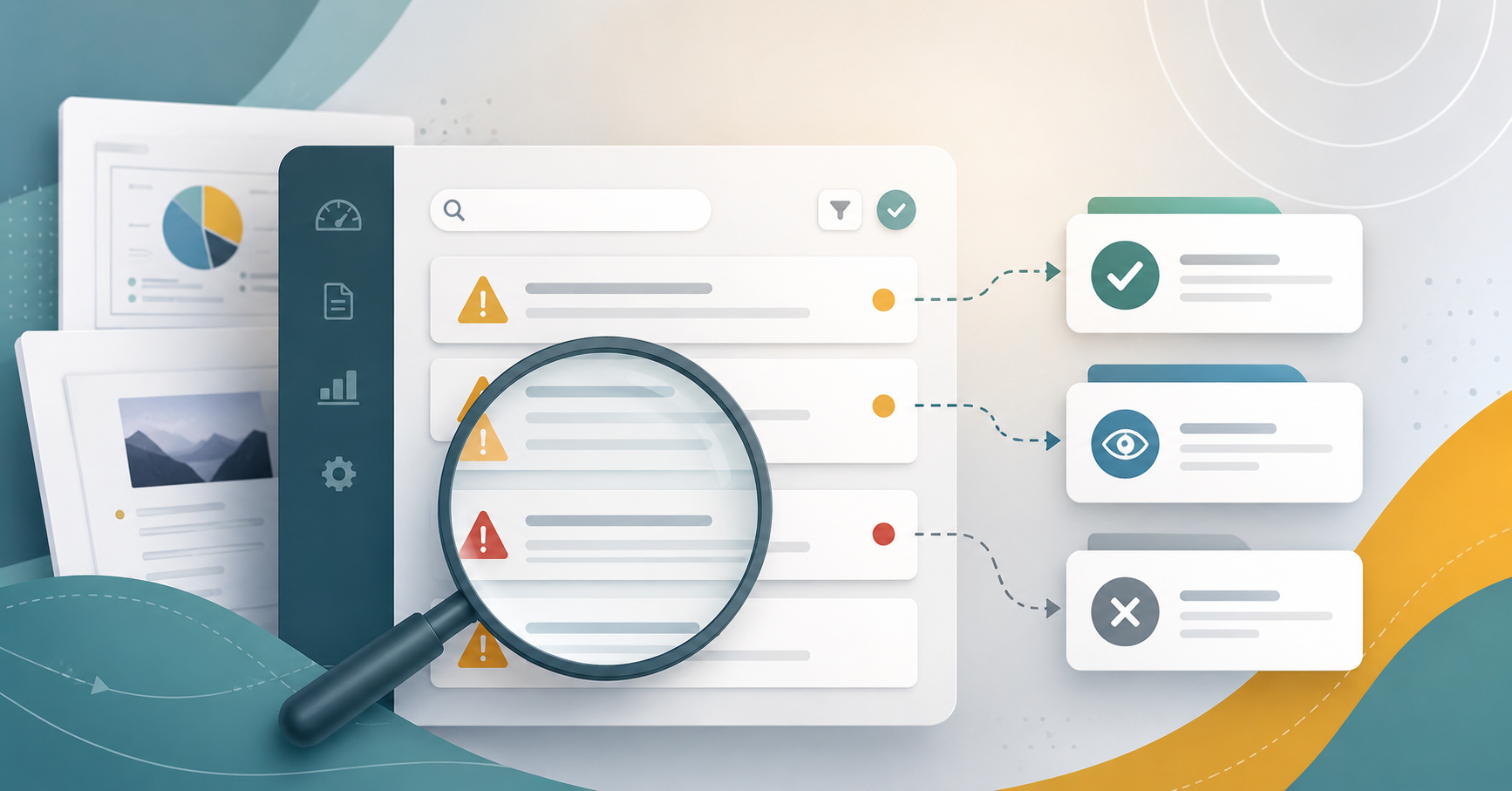
When Panorama Keeps Flagging the Same Issue #
Panorama is a useful starting point for identifying accessibility issues in Canvas, but not…
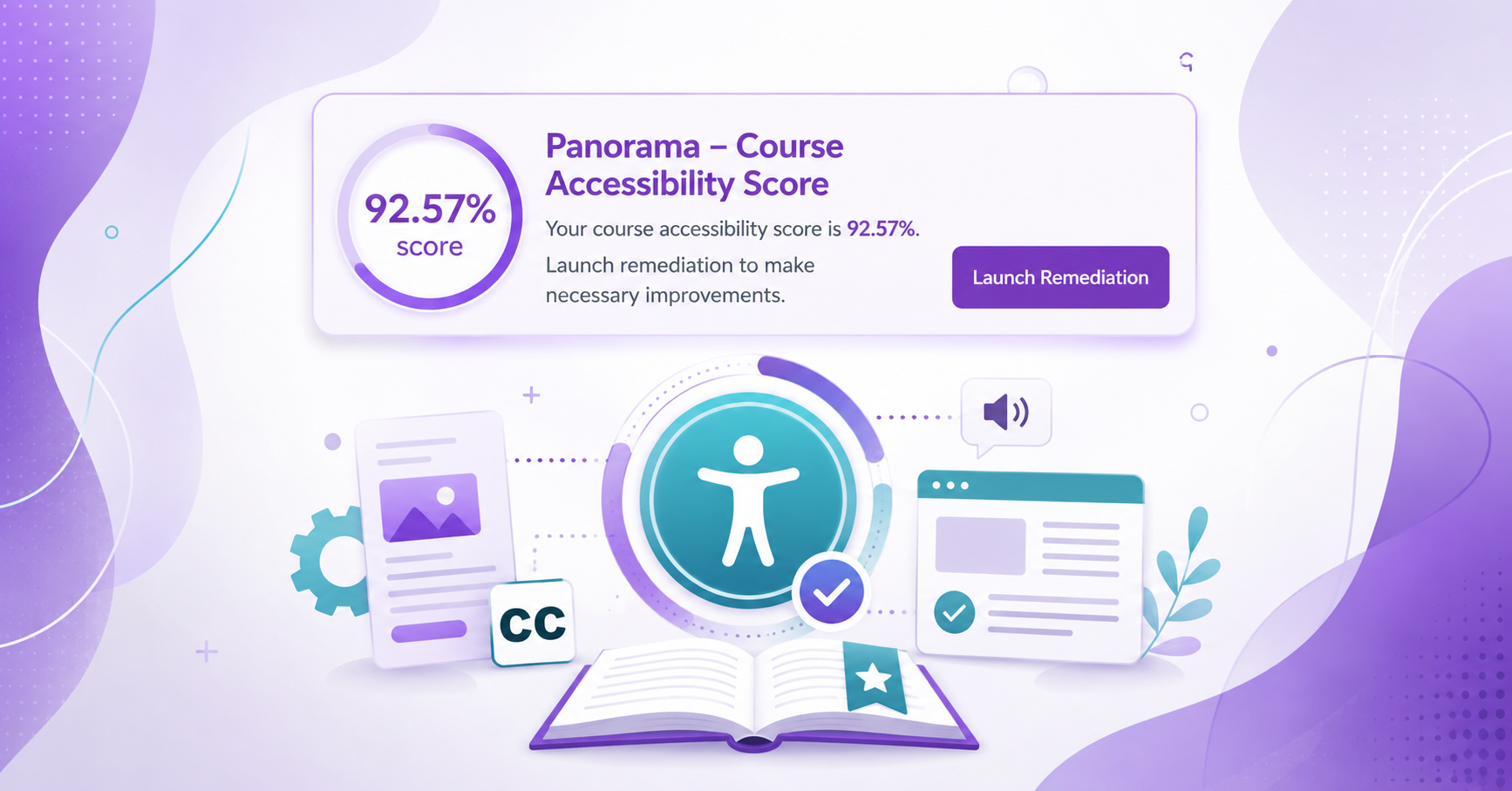
Enabling the Course Accessibility Banner with Remediation Tool on Canvas #
Panorama provides several ways to find and address accessibility issues in Canvas. In addition…
Using the Panorama Accessibility Report to Remediate Files #
Panorama can help guide the accessibility remediation process for files in your Canvas course,…
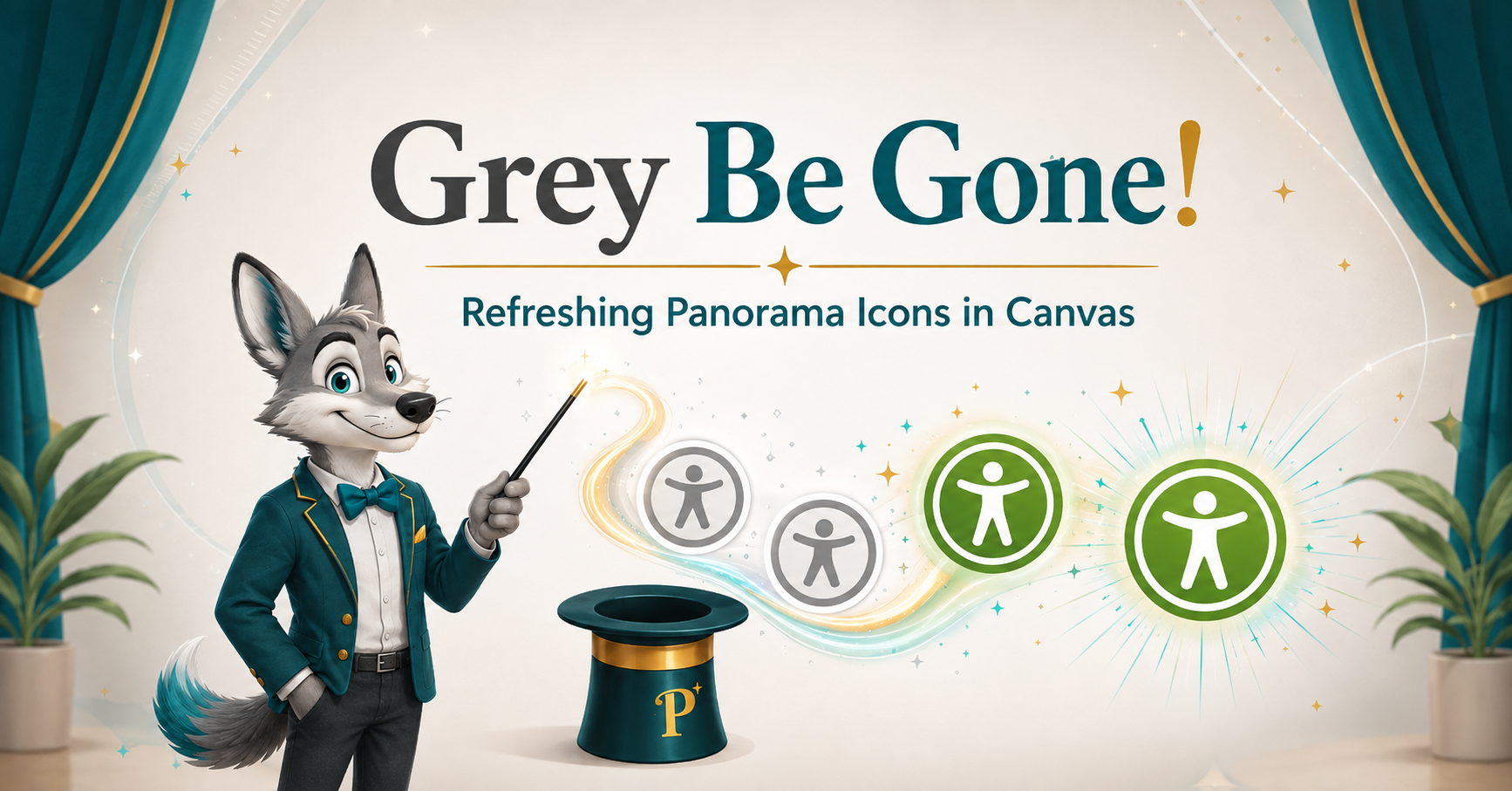
Grey Be Gone! Fixing Panorama Icons in Canvas #
If you see a grey, unprocessed Panorama icon in your Canvas course, it means…

MCCCD Digital Accessibility Site #
The districtwide accessibility website provides Maricopa faculty and staff with guidance and resources for…
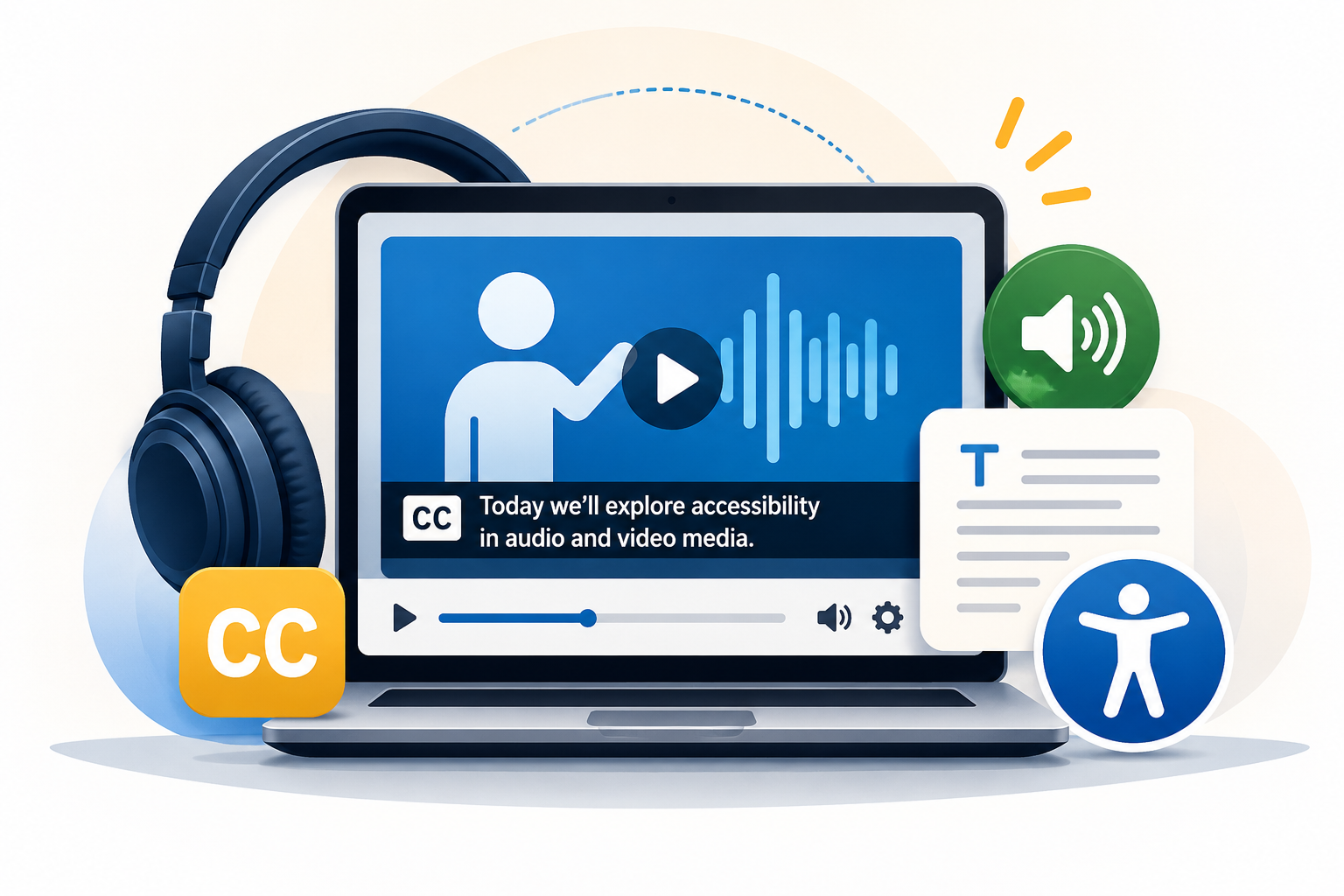
Audio and Video Media Accessibility #
Information for accessibility guidelines regarding Audio and Video Media…
MCLI’s Digital Accessibility Page #
Information for Digital Accessibility provided by the Maricopa Center for Leaning and Innovation…
Canvas Accessibility Tool: YuJa Panorama #
Information for the utilization of the YuJa Panorama accessibility platform…

Accessibility Resource Hub #
Join the CTLA’s Accessibility Resource Hub in Canvas to access targeted resources that address…