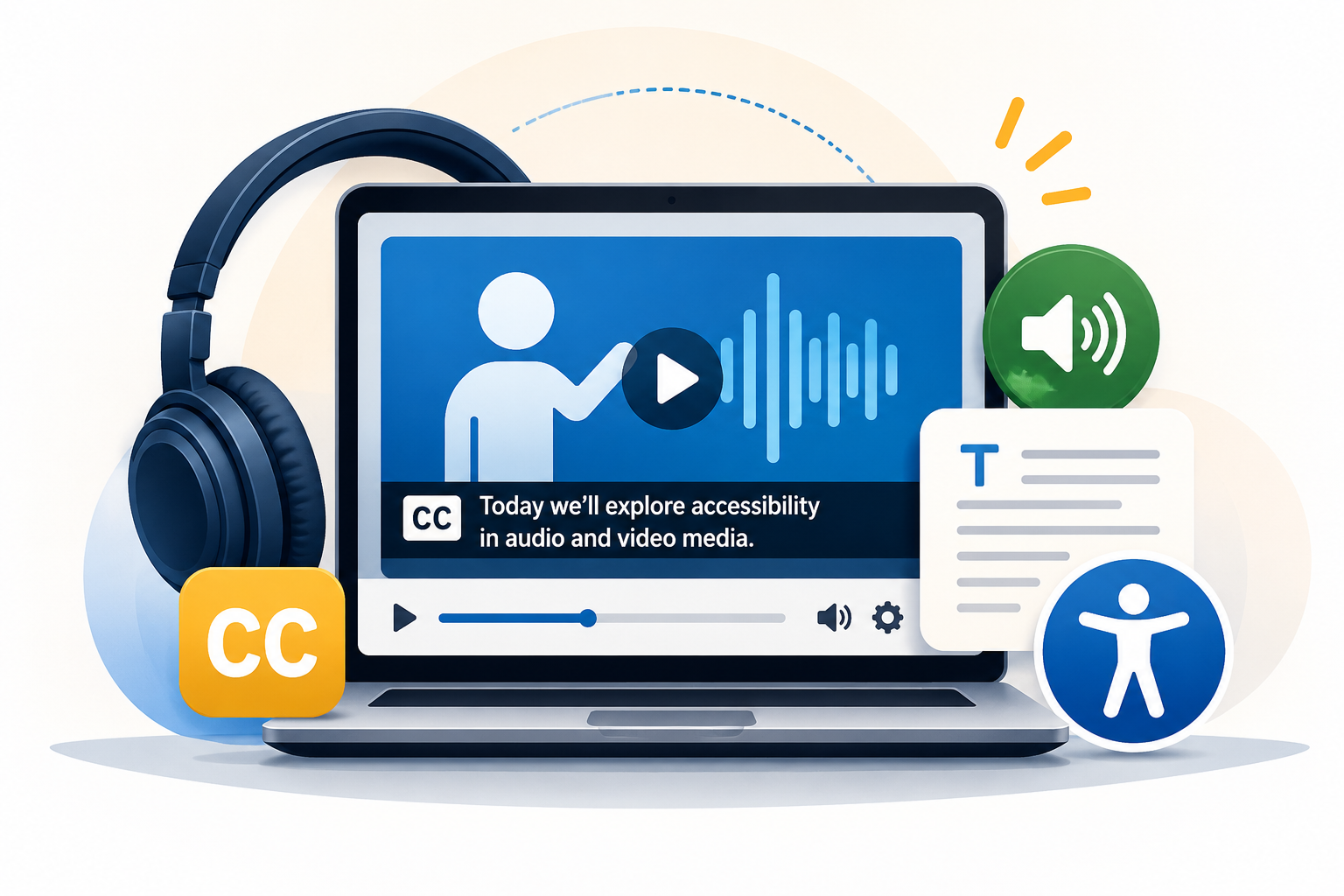
Accessible audio and video help ensure that students can engage with course content regardless of hearing, vision, language processing, environment, or technology access. For faculty, the core goal is to make sure students can access both the spoken information and the visual information needed to understand the instructional content.
Use these quick rules when adding media to Canvas:
- Videos with spoken audio need accurate captions. Auto-captions are a helpful starting point, but they should be reviewed and edited for accuracy.
- Audio-only content needs a transcript. The transcript should include the spoken content and any meaningful non-speech sounds, such as music, sound effects, or speaker changes.
- Important visual information needs to be described. If students must see something to understand the content, such as a demonstration, chart, gesture, process, or on-screen text, that information should be included in the narration, added through audio description, or provided in an equivalent text description.
- Avoid relying only on what students can see or hear. Key instructions, examples, and concepts should be available in more than one way when possible.
For additional support, visit the Audio and Video Media Accessibility module in the Accessibility Resource Hub. Faculty can also use ScreenPal to create and improve instructional videos, including generating captions to edit for accuracy, creating transcripts, adding audio descriptions, and using other interactive video features.