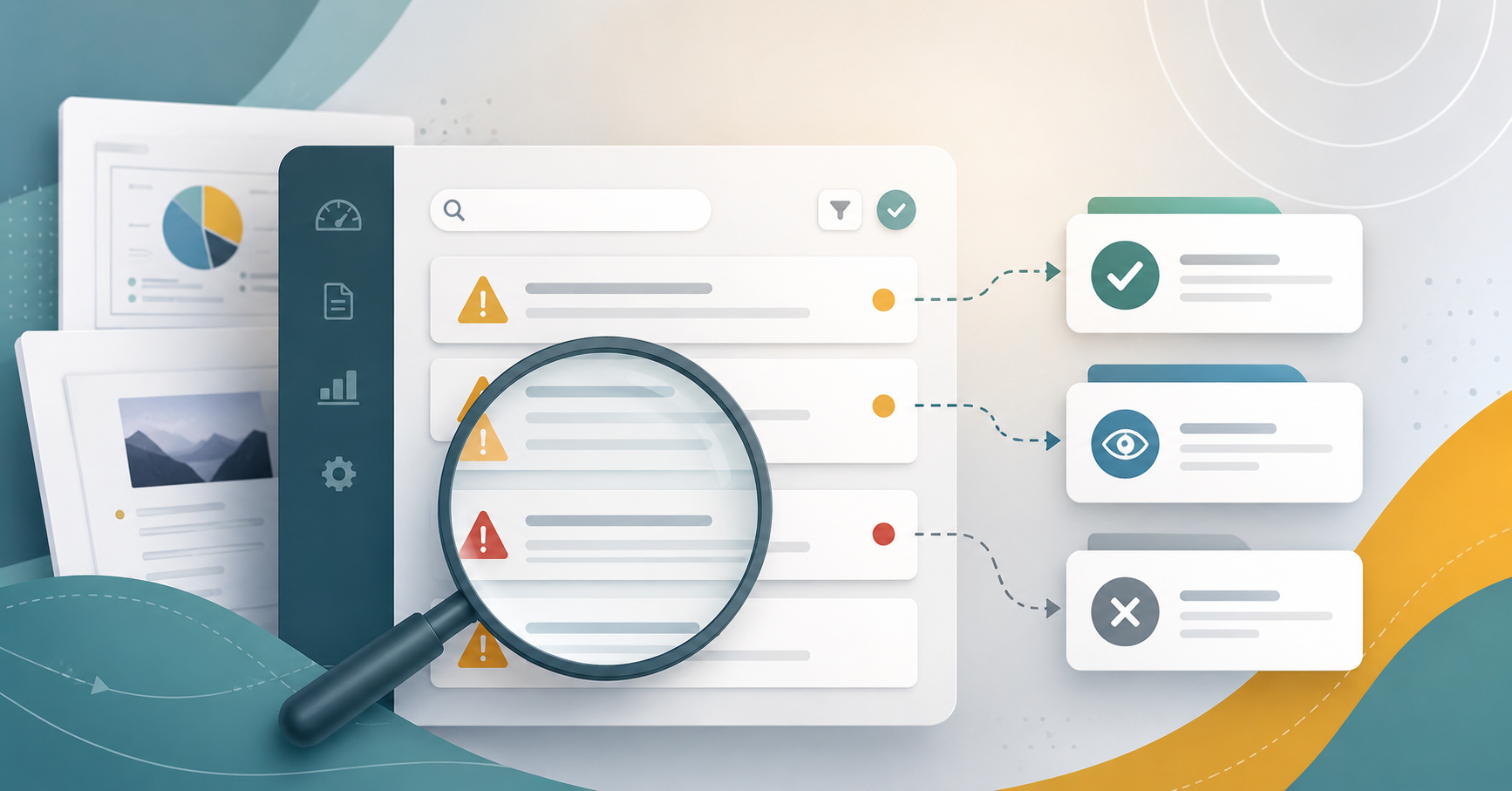
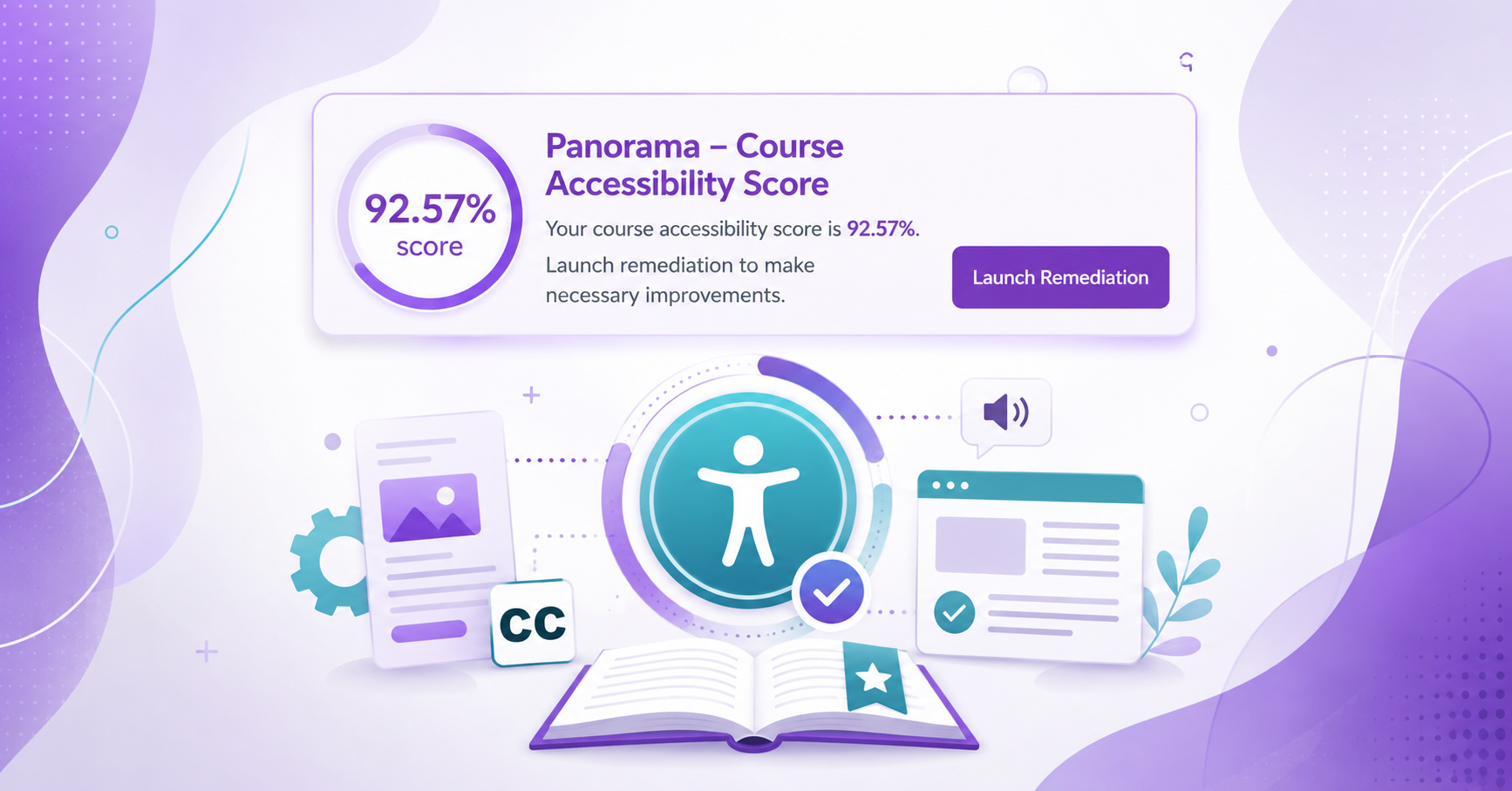
Maricopa’s Accessibility Plan Task Force and Working Groups (MCCCD Digital Accessibility) adopted the YuJa Panorama LMS Accessibility Platform to identify and help remediate accessibility issues in Canvas course content (documents, slide presentations, PDFs, and course content pages). It provides an accessibility score icon for each item in your Canvas course. Students do not see the score; instead, they see an accessibility icon that, when pressed, allows them to download course documents and pages in various accessible formats. It also provides them access to an immersive reader on the spot.
Explore resources and articles on this page to get started and reach out for further assistance.
YuJa Panorama Resources
- Faculty Guide: Using Panorama in Canvas Courses (must be logged into college email) | CGC CTLA
- Student Guide: Student Guide to Panorama | MCCCD
- YuJa Panorama Help Center – Browse Knowledge Base articles, including:
- YuJa Panorama Guide: Accessibility Issues That Can Be Resolved With Panorama
- YuJa Panorama Guide: Getting Started with Panorama for Instructors in Canvas
- YuJa 24/7 Support Hotline – Available to faculty & students!
Articles and Videos on Using Panorama