PDFs may look polished, but they’re one of the hardest formats to make fully accessible. They often lack proper tags, don’t reflow on mobile, and create barriers for students using screen readers. Rather than repeating what others have explained so well, we encourage you to read Jackie Watson’s The Problem with PDFs: It’s an Accessibility Thing in College Daily (AACC) for an excellent overview of the history and challenges of PDFs in higher education. Here, we’ll focus on what to do instead — moving content into Word and especially into Canvas Pages, where accessibility is built and we have tools to guide us.
The Case Against PDFs
More Tech Tuesday Posts

Panorama, Canvas, and Accessible Course Content September Webinar
This session introduces Panorama and demonstrates how faculty can use it alongside Canvas to…

Accessibility in Action Series
Join Juliet Crocco, CTLA Training and Development Consultant, throughout the academic year for practical…
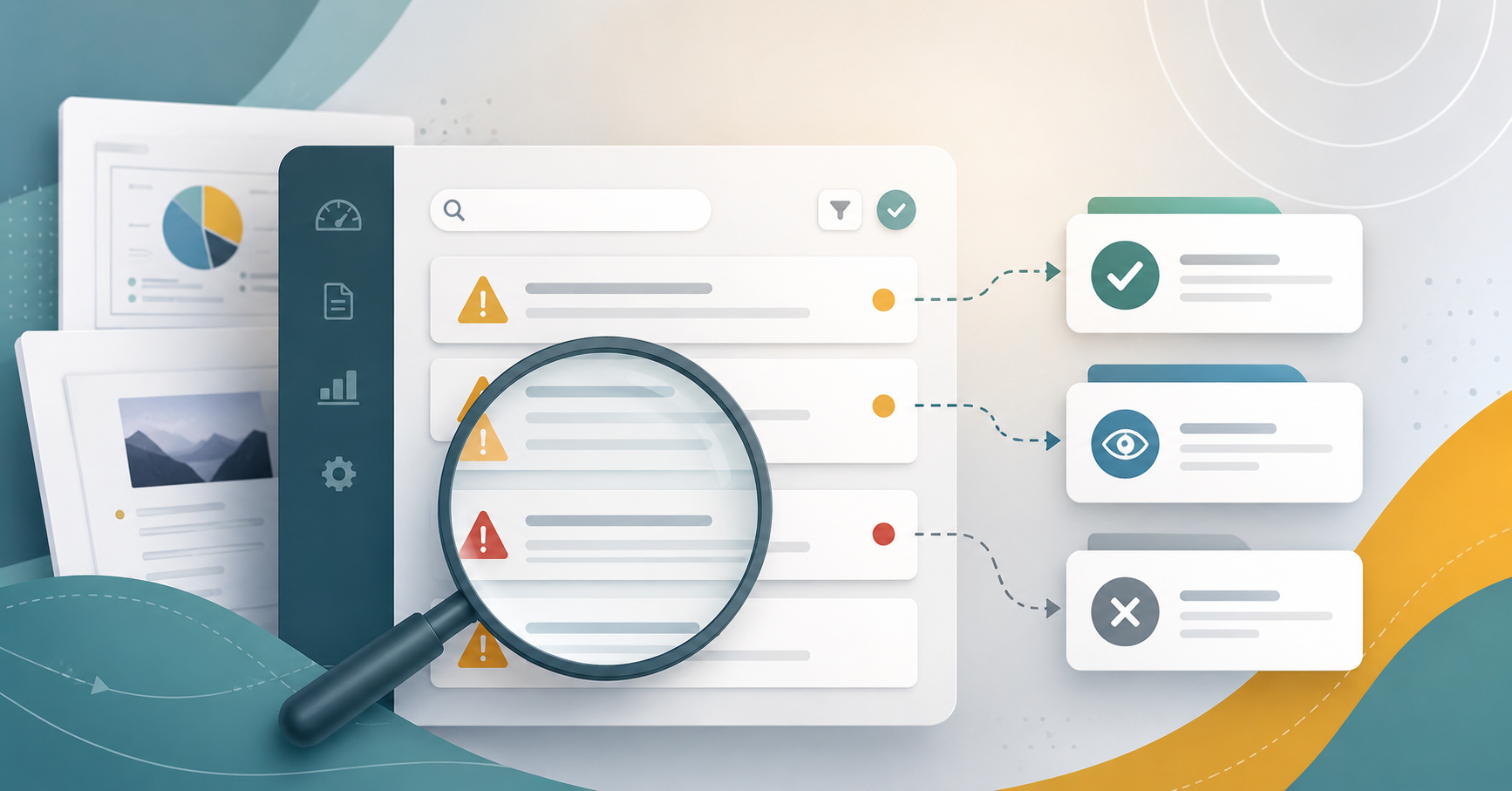
When Panorama Keeps Flagging the Same Issue
Panorama is a useful starting point for identifying accessibility issues in Canvas, but not…
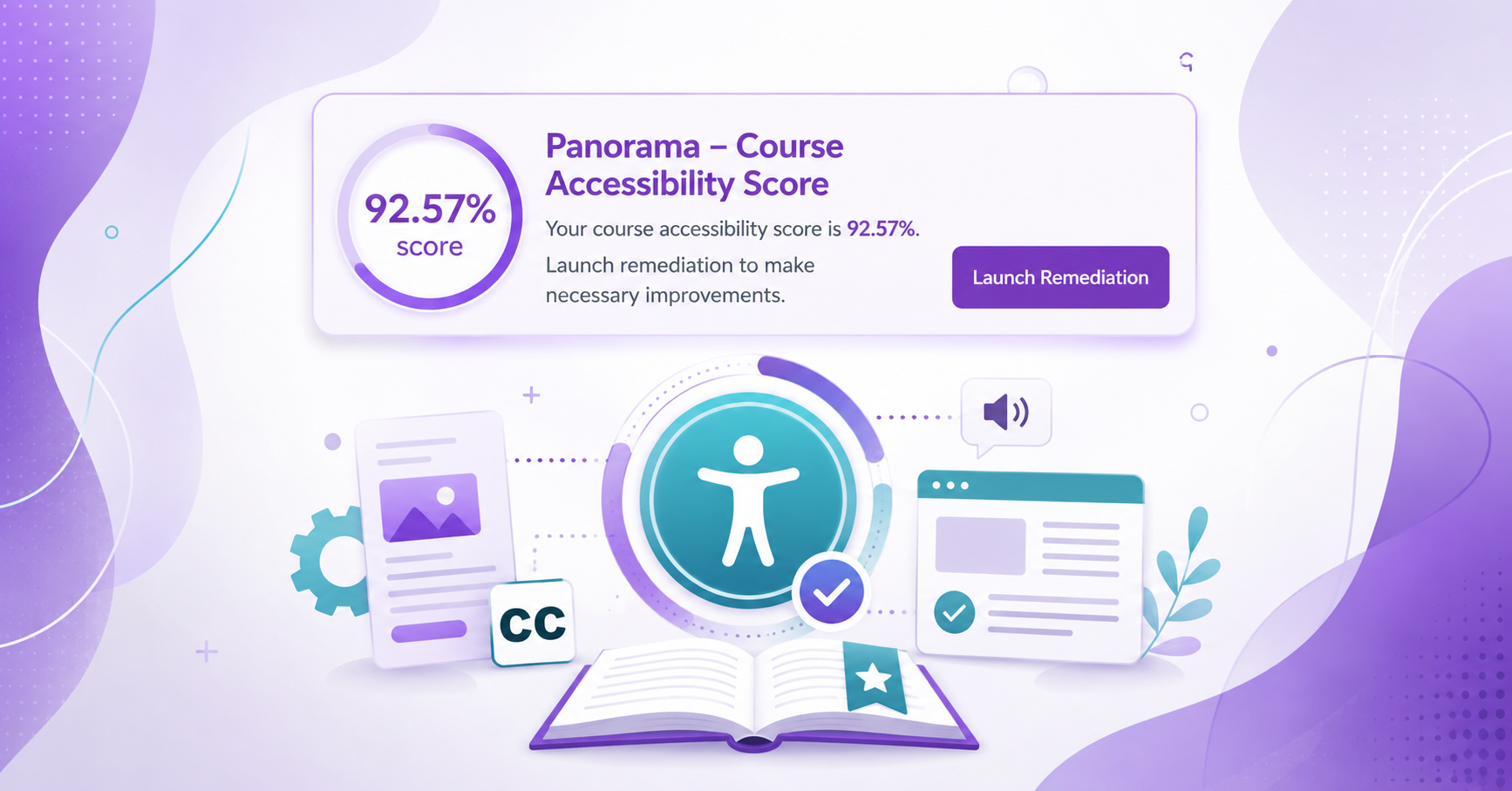
Enabling the Course Accessibility Banner with Remediation Tool on Canvas
Panorama provides several ways to find and address accessibility issues in Canvas. In addition…
Using the Panorama Accessibility Report to Remediate Files
Panorama can help guide the accessibility remediation process for files in your Canvas course,…

Grey Be Gone! Fixing Panorama Icons in Canvas
If you see a grey, unprocessed Panorama icon in your Canvas course, it means…