Tables in Canvas: When (and When Not) to Use Them

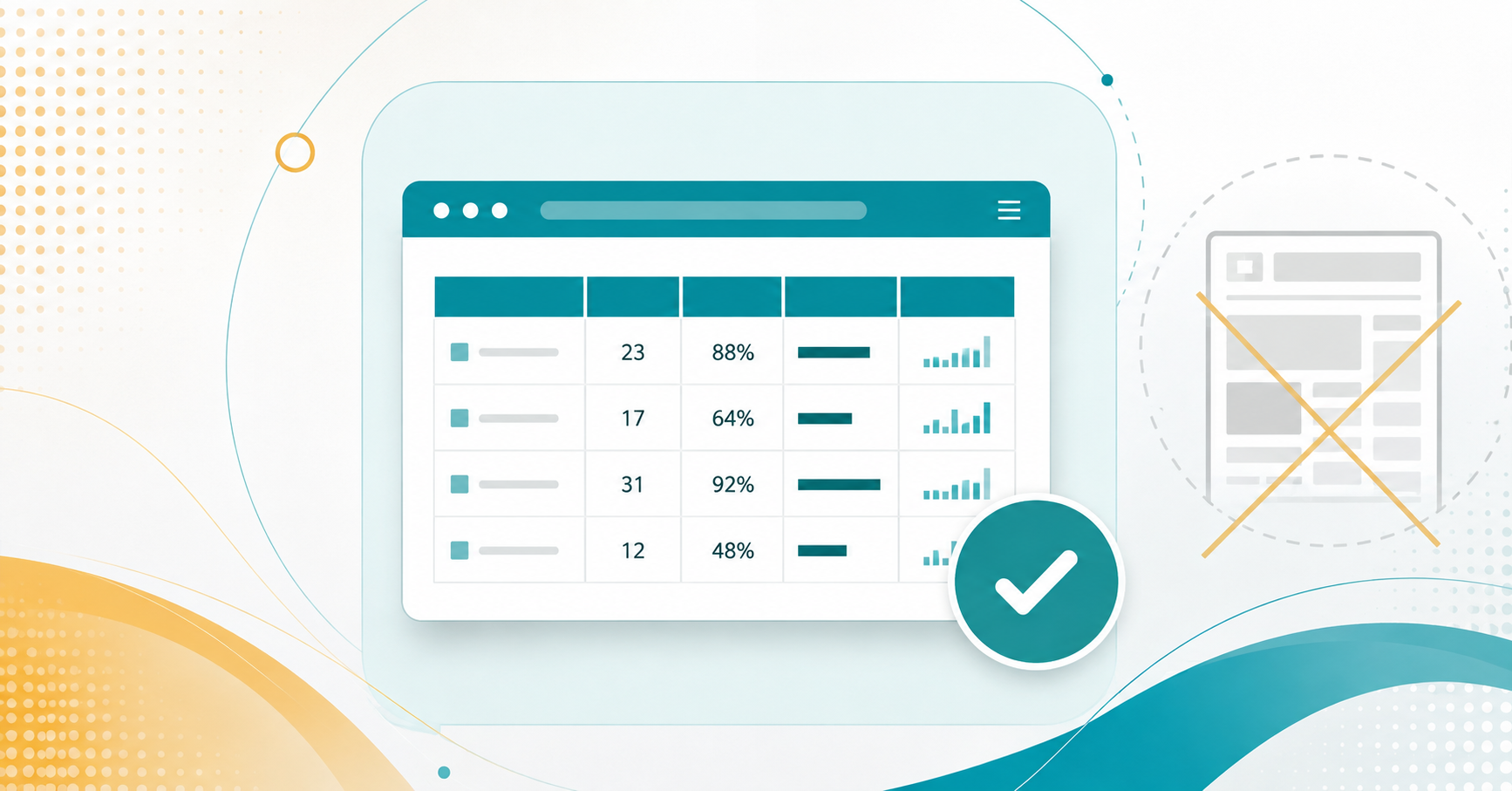
Tables on the web and in documents should be used for data, not layout.
,

For those of us who have been teaching in digital environments for a while, tables used to be our go-to tool for structuring content. Need to align images and text? Throw it in a table. Want to create a fancy layout? A table could handle that too. It worked—until it didn’t.

As technology advanced, so did the tools that help students navigate online content, including screen readers. Suddenly, our clever layout hacks weren’t so clever anymore—screen readers couldn’t interpret them properly, leaving some students at a disadvantage.

Now, tables are specifically designed for data, with built-in accessibility features that help assistive technologies read them correctly. When tables are misused for layout, they create unnecessary barriers for students relying on screen readers.


Read More

More Tech Tuesday Posts

smart post preloader
Paper Handouts to Digital Documents - A case in Accessibility

Paper Handouts to Digital Documents – A Case in Accessibility

A faculty member recently came to me with a challenge. She had a student…

The Secret Life of Canvas Files

The Secret Life of Canvas Files

Now that many of us organize our courses using Modules with Pages and Assignments, it’s…

Minimizing the “Junk in Your Trunk” for a Clean Canvas Import

Minimizing the “Junk in Your Trunk” for a Clean Canvas

How do you create clean imports to Canvas via Panorama?…

Google Accessibility with Grackle!

Google Accessibility with Grackle!

How can Grackle help with accessibility in the Google Workspace?…

AI & Accessibility Featured image

Using AI for Digital Accessibility

How can you use AI to assist you in enhancing digital accessibility?…

Use Panorama in Canvas for accessibility

From Icons to Insight – Making Sense of Panorama in

This is how you can further utilize Panorama to get the most out of…

The Case Against PDFs

The Case Against PDFs

Why exactly should we move away from PDFs?…