The CTLA team, CTLA Faculty Liaisons, and CGCC faculty and staff share how they are using technology to support teaching, learning, and daily work. Tech Tuesday highlights these ideas, tools, and practices so others can learn from what is happening across our college.
Explore the archives, and let the CTLA know if you have a technology tip, workflow, classroom strategy, or project you would like to share as a future guest author.

Paper Handouts to Digital Documents – A Case in Accessibility
A faculty member recently came to me with a challenge. She had a student…
The Secret Life of Canvas Files
Now that many of us organize our courses using Modules with Pages and Assignments, it’s…
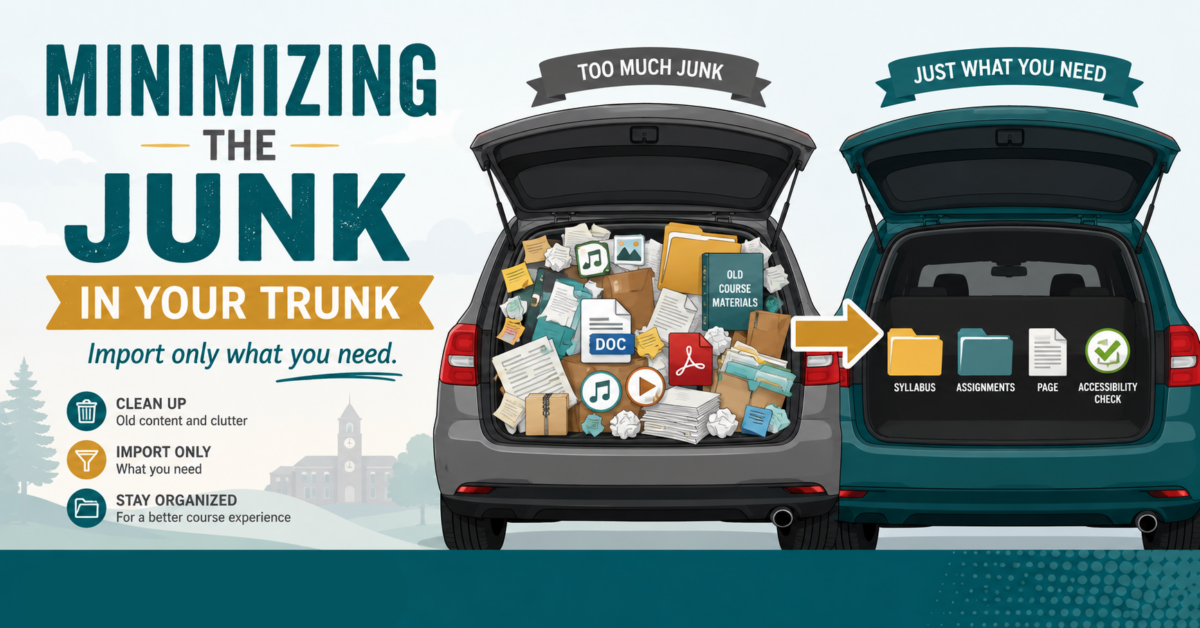
Minimizing the “Junk in Your Trunk” for a Clean Canvas
How do you create clean imports to Canvas via Panorama?…
Google Accessibility with Grackle!
How can Grackle help with accessibility in the Google Workspace?…
Using AI for Digital Accessibility
How can you use AI to assist you in enhancing digital accessibility?…
From Icons to Insight – Making Sense of Panorama in
This is how you can further utilize Panorama to get the most out of…

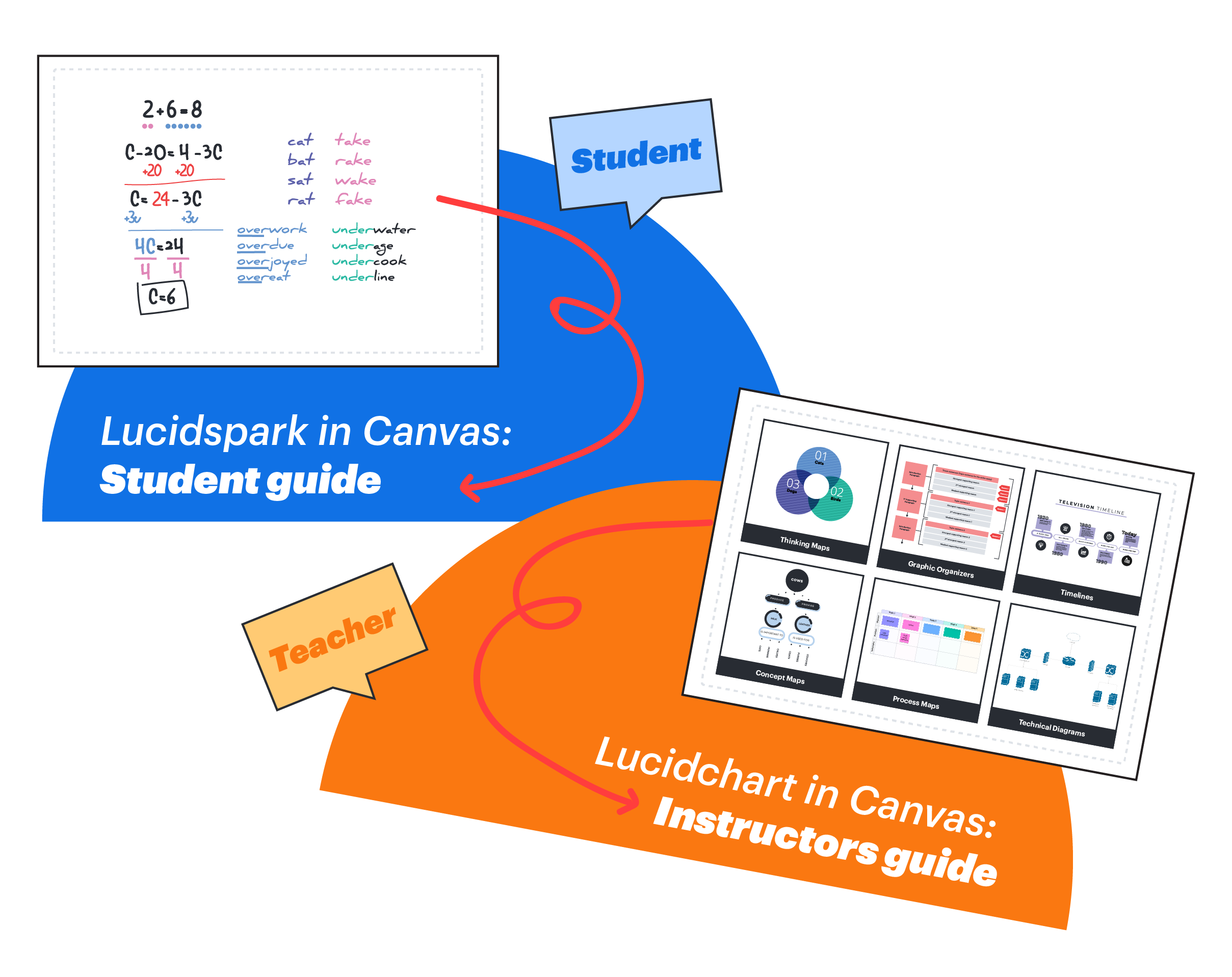
Lucid Whiteboard Canvas Integration
Lucid Whiteboard (Lucidspark) is now available for free in Canvas. This collaborative tool supports…
Use Khanmigo to Build Rubrics That Work for You and Your Students
Grading rubrics are one of the most powerful tools you can use to support…
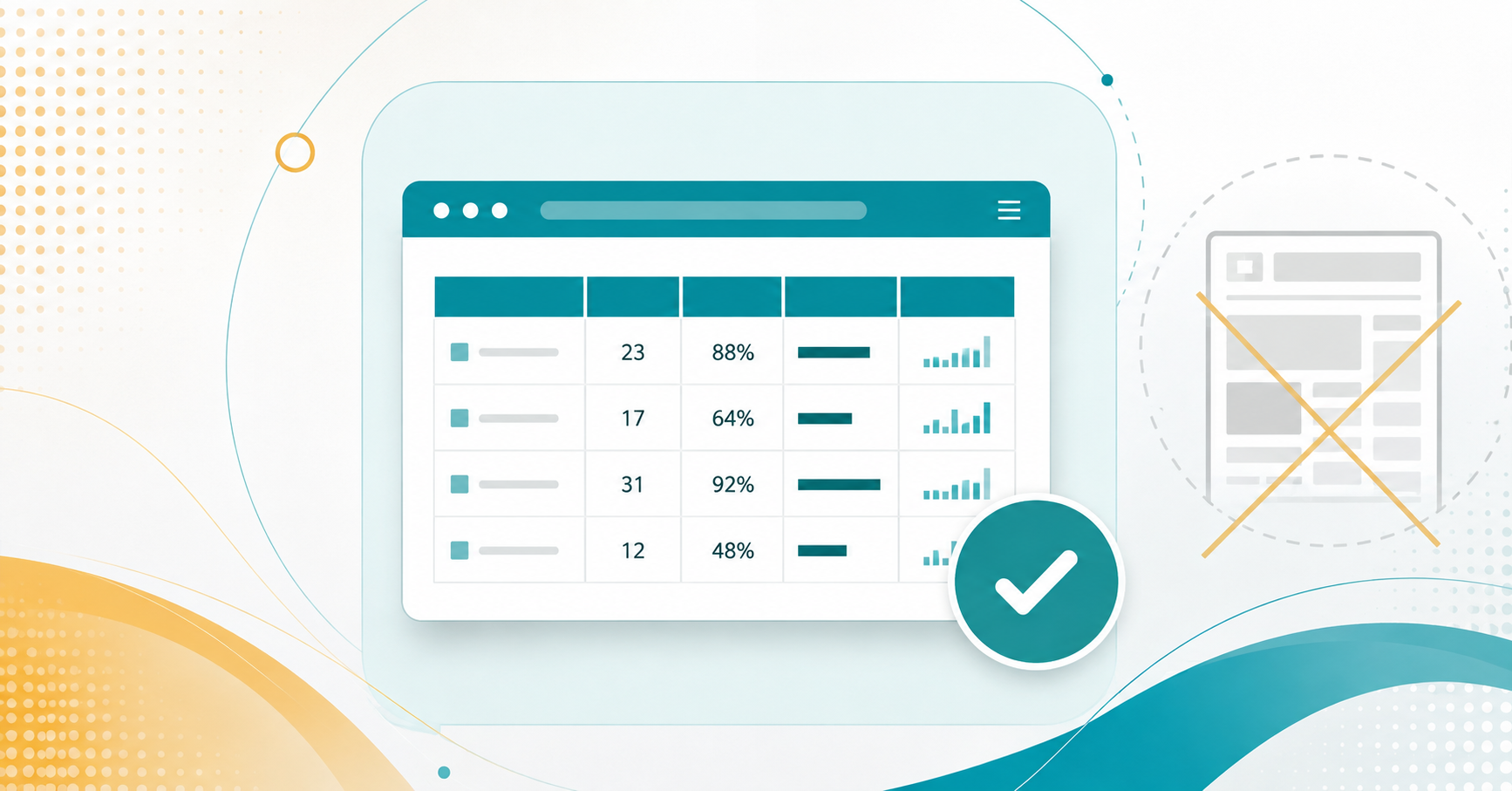
Tables in Canvas: When (and When Not) to Use Them
What are some determining factors for using tables?…
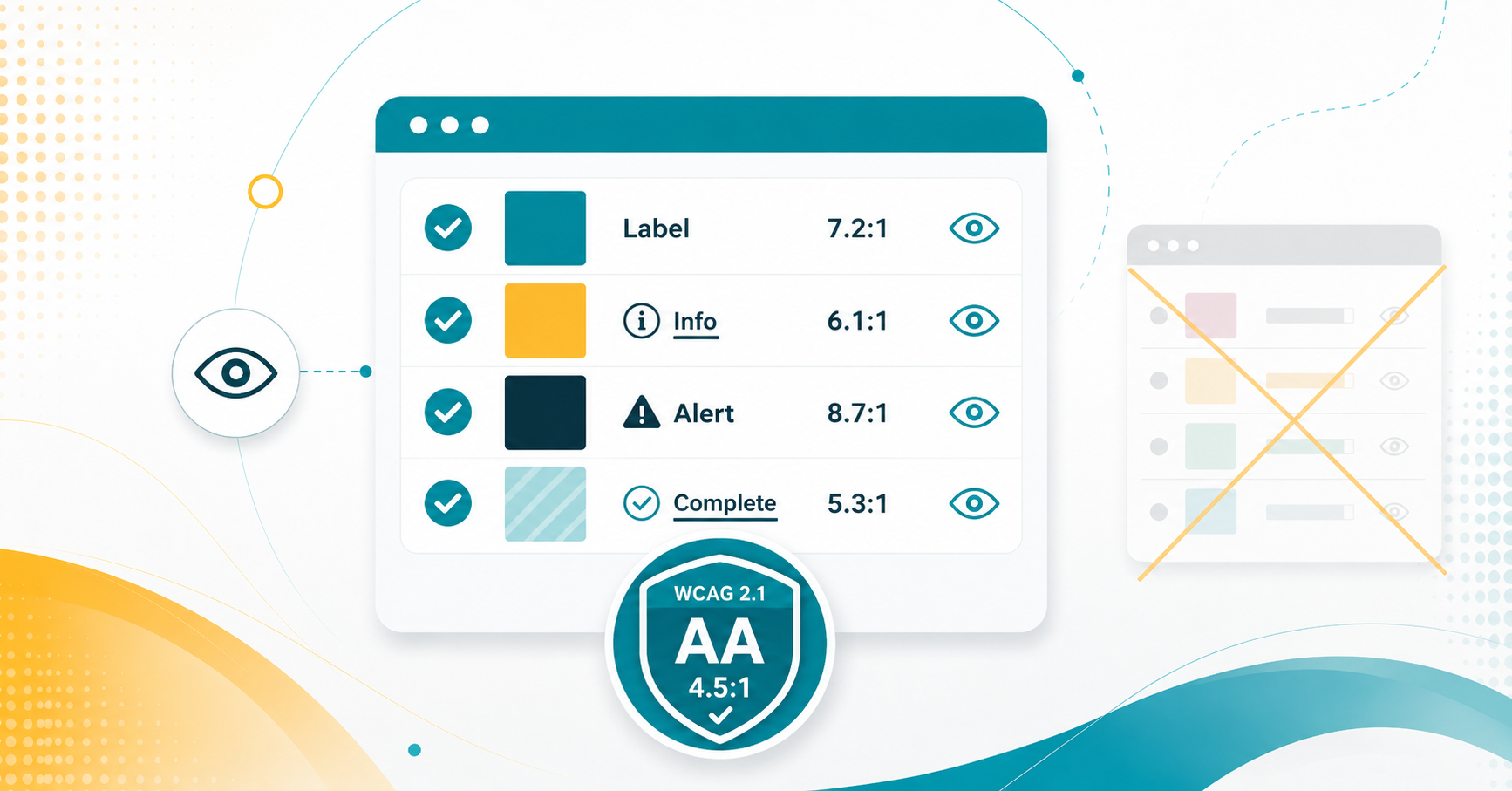
Color with Care: Accessibility in Canvas
What can you do to use colors in a way that promotes accessibility?…
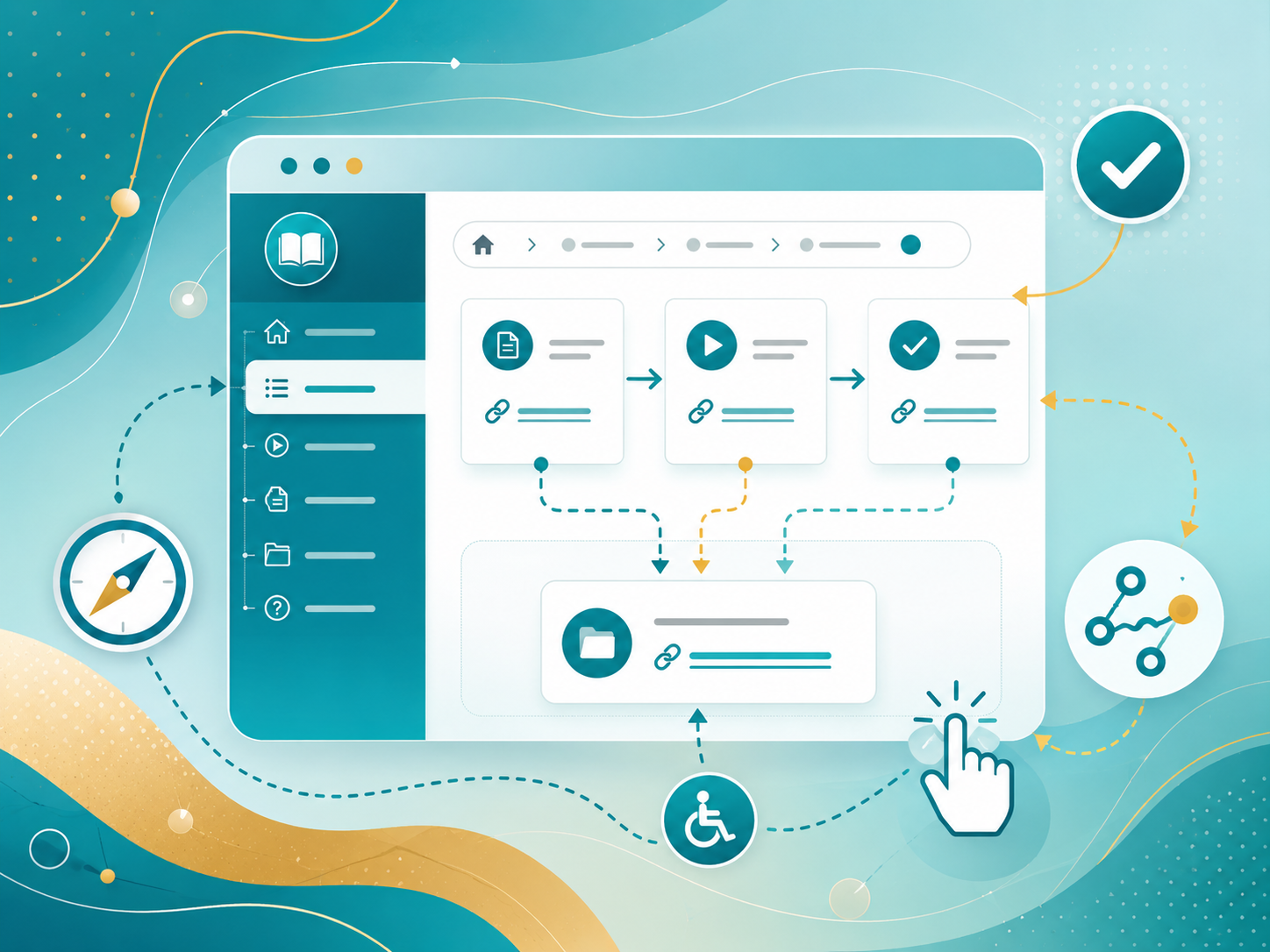
Accessible Linking and Navigation in Course Design
How do we create more accessible navigation methods for others?…

Designing Accessible Documents & Canvas Pages
How do you design with accessibility in mind for documents and pages?…

Embracing Gamified Pedagogy: Revolutionizing Project-Based, Active Learning
In the ever-evolving landscape of education, innovative teaching methods are crucial to engage and…