In this week’s Tech Tuesday, we will focus on essential accessibility practices for paragraphs and readability, headings, and lists. Structuring content properly ensures that all users, including those using assistive technologies, can easily navigate and understand information. By following these guidelines, you can create or revise documents and Canvas pages to enhance readability, improve organization, and support accessibility standards.
Designing Accessible Documents & Canvas Pages
More Tech Tuesday Posts

Panorama, Canvas, and Accessible Course Content September Webinar
This session introduces Panorama and demonstrates how faculty can use it alongside Canvas to…

Accessibility in Action Series
Join Juliet Crocco, CTLA Training and Development Consultant, throughout the academic year for practical…
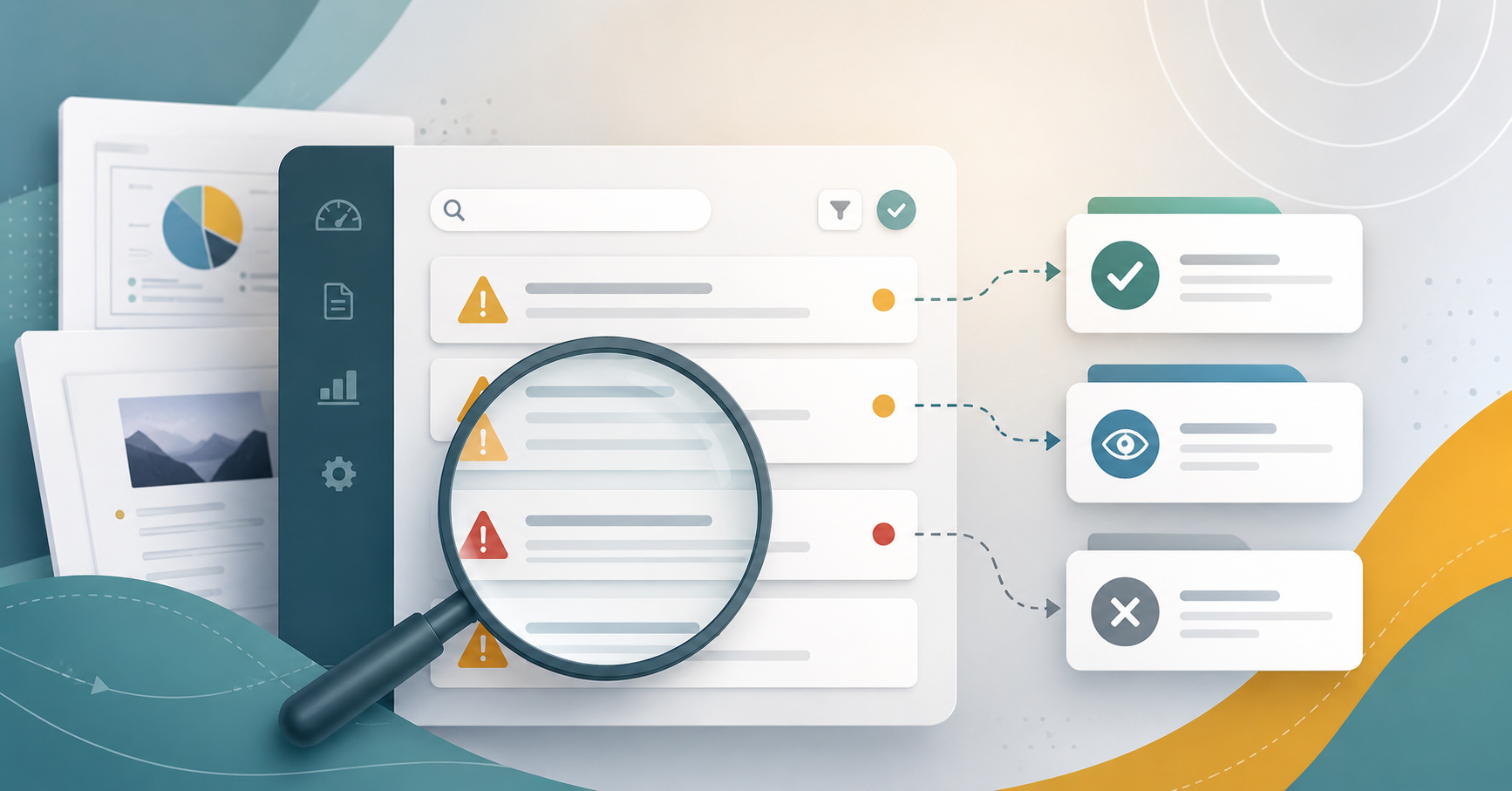
When Panorama Keeps Flagging the Same Issue
Panorama is a useful starting point for identifying accessibility issues in Canvas, but not…
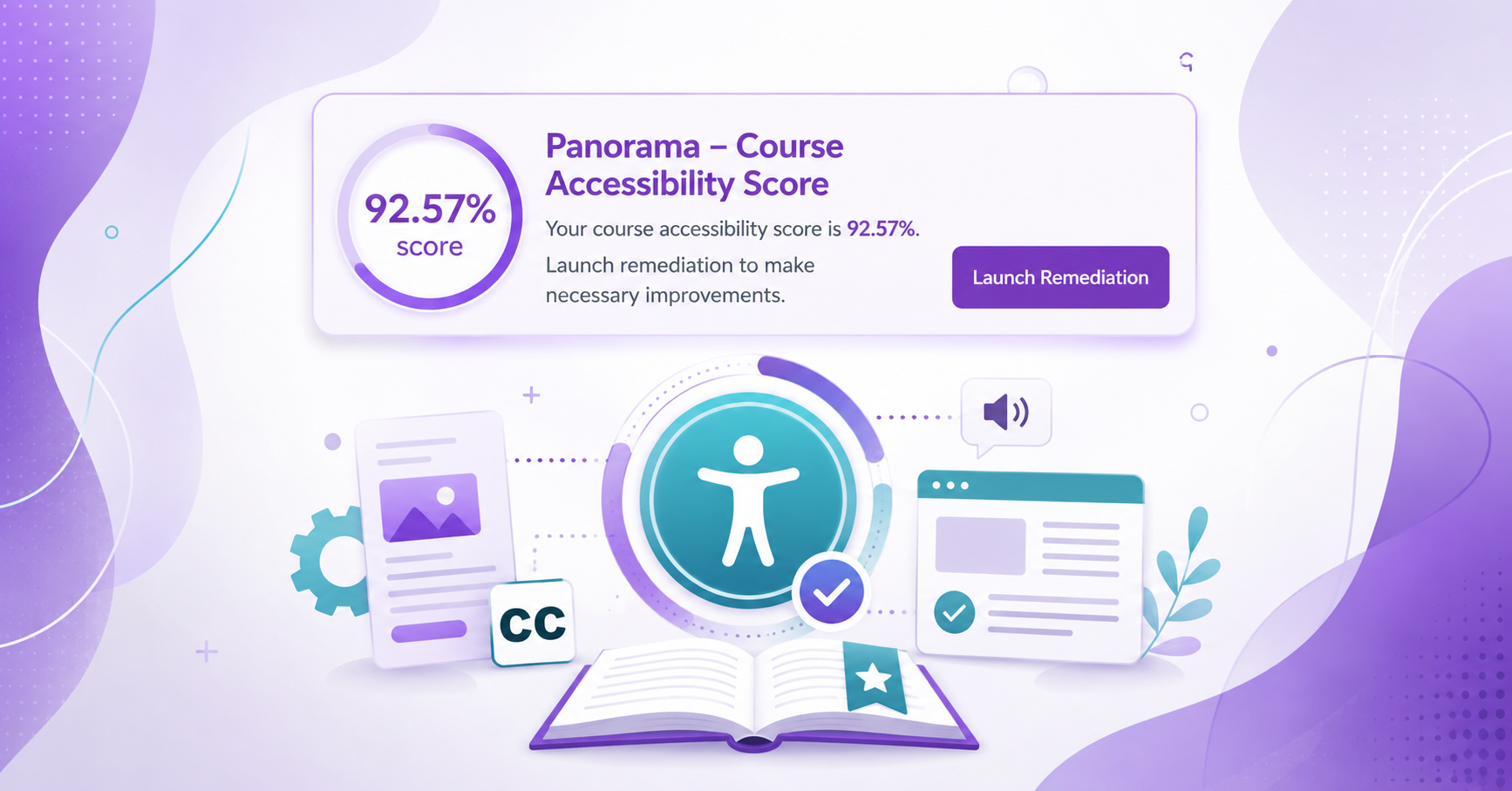
Enabling the Course Accessibility Banner with Remediation Tool on Canvas
Panorama provides several ways to find and address accessibility issues in Canvas. In addition…
Using the Panorama Accessibility Report to Remediate Files
Panorama can help guide the accessibility remediation process for files in your Canvas course,…

Grey Be Gone! Fixing Panorama Icons in Canvas
If you see a grey, unprocessed Panorama icon in your Canvas course, it means…