Before importing content into a new Canvas course, take a moment to review what you actually need. Importing only the necessary content creates a cleaner course and helps your Panorama course report provide a more accurate picture of accessibility issues. A cleaner import can also save time by reducing unnecessary cleanup in both Canvas and Panorama.
Minimizing the “Junk in Your Trunk” for a Clean Canvas Import
More Tech Tuesday Posts

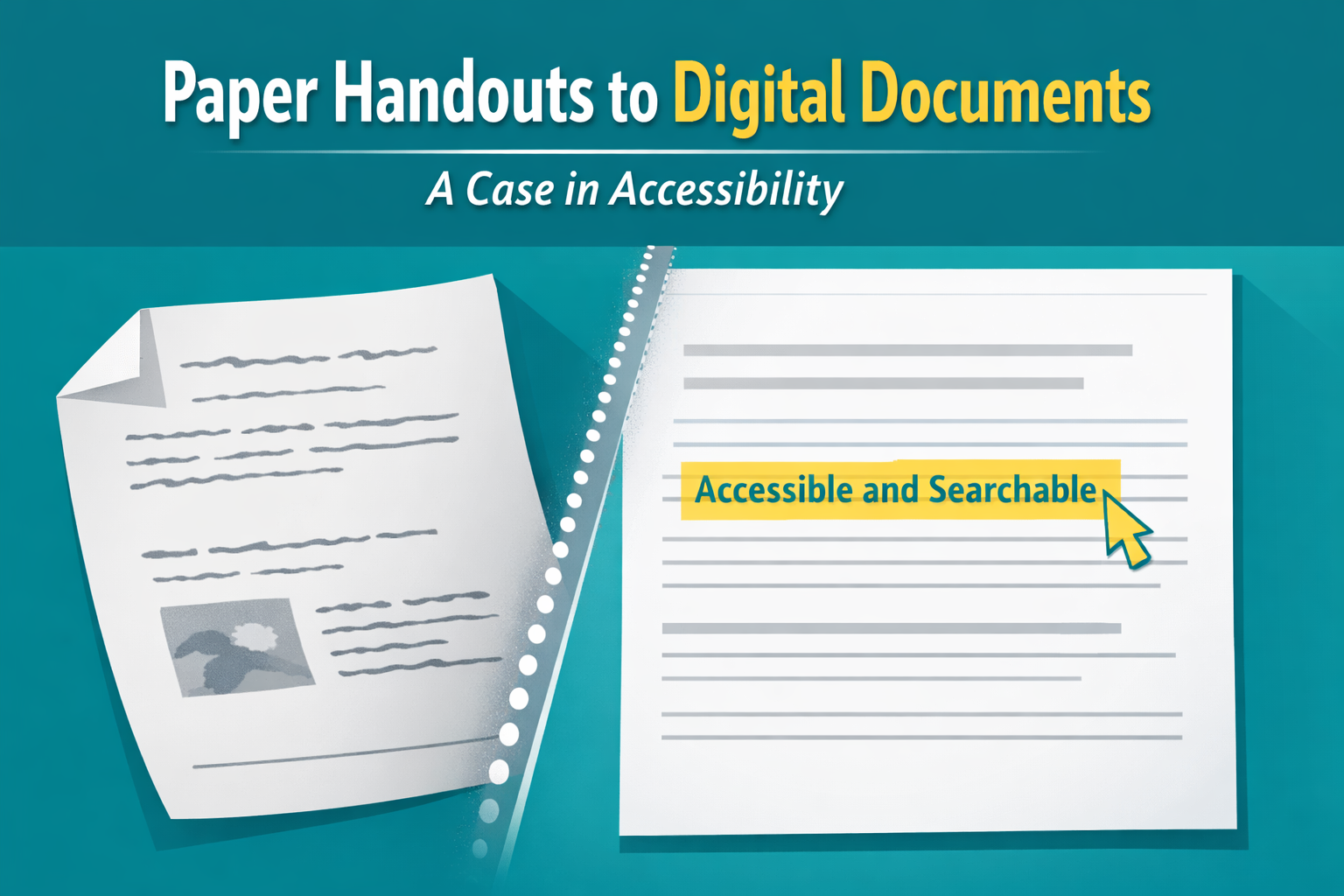
Paper Handouts to Digital Documents – A Case in Accessibility
A faculty member recently came to me with a challenge. She had a student…

The Secret Life of Canvas Files
Now that many of us organize our courses using Modules with Pages and Assignments, it’s…
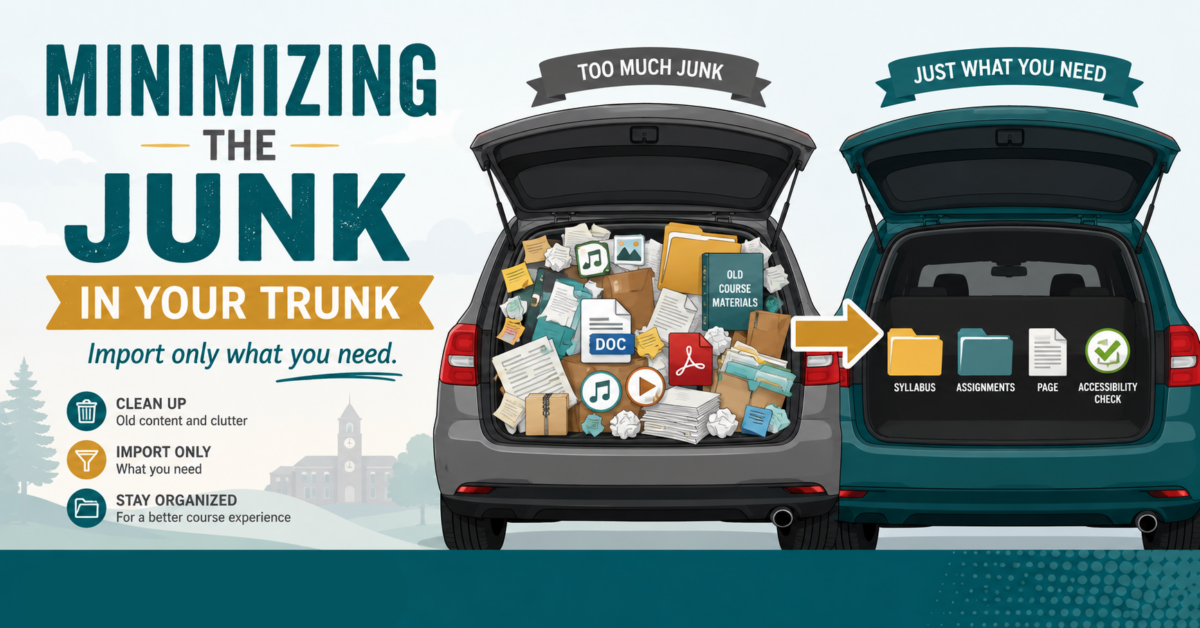
Minimizing the “Junk in Your Trunk” for a Clean Canvas
How do you create clean imports to Canvas via Panorama?…

Google Accessibility with Grackle!
How can Grackle help with accessibility in the Google Workspace?…
Using AI for Digital Accessibility
How can you use AI to assist you in enhancing digital accessibility?…
From Icons to Insight – Making Sense of Panorama in
This is how you can further utilize Panorama to get the most out of…