- Go to learn.maricopa.edu to access Canvas, you can also find this on the cgc.edu homepage under quick links – Canvas.
- Login with your MEID and password. Need to figure out your MEID and password? Use the MEID Finder Tool
- You should see your course on the Dashboard it is split by Published and Unpublished courses. If you do not see it right away, go to Courses, All Courses (view the Canvas guide on finding all your courses).
If you still do not see your course contact the CTLA or your DE supervisor.
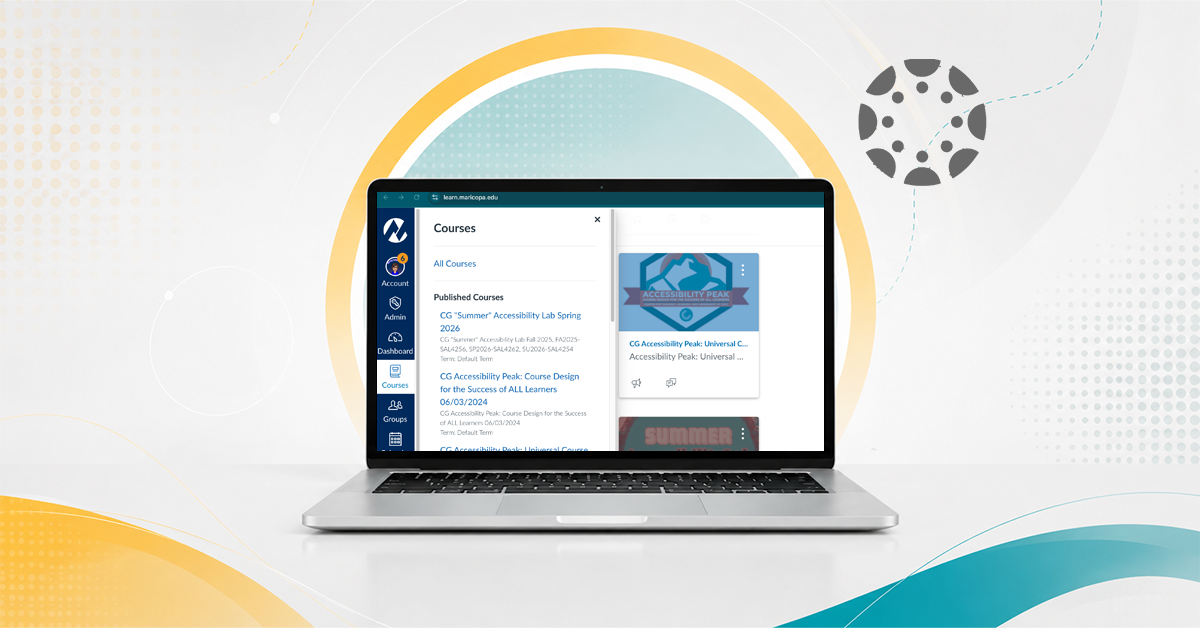
Finding Your Canvas Course
Explore More Articles
-
Accessibility Resource Hub
Join the CTLA’s Accessibility Resource Hub in Canvas to access…
-
ID Fellows
The Instructional Design Fellows is a volunteer group of faculty…
-
Assessment Process at CGCC
Process of Academic Assessment Academic assessment at Chandler-Gilbert Community College…
-
Learning Outcomes at CGCC
At Chandler-Gilbert Community College (CGCC), assessment of student learning occurs…
-
What is Instructional Design?
Instructional design is “the theory and practice of design, development,…
-
Gear Up Essentials for First Week Preparedness
Upcoming Sessions August 14 – August 23, 2026 Facilitated by…
-
Adjunct Faculty
Adjunct faculty are highly valued and an integral part of…
-
Dual Enrollment Instructors
Learn how dual enrollment is applied with Concourse
-
ASU Image Accessibility Creator
ASU’s image description generation tool
-
MCCCD Digital Accessibility Site
The districtwide accessibility website provides Maricopa faculty and staff with…
-
Audio and Video Media Accessibility
Information for accessibility guidelines regarding Audio and Video Media
-
MCLI’s Digital Accessibility Page
Information for Digital Accessibility provided by the Maricopa Center for…