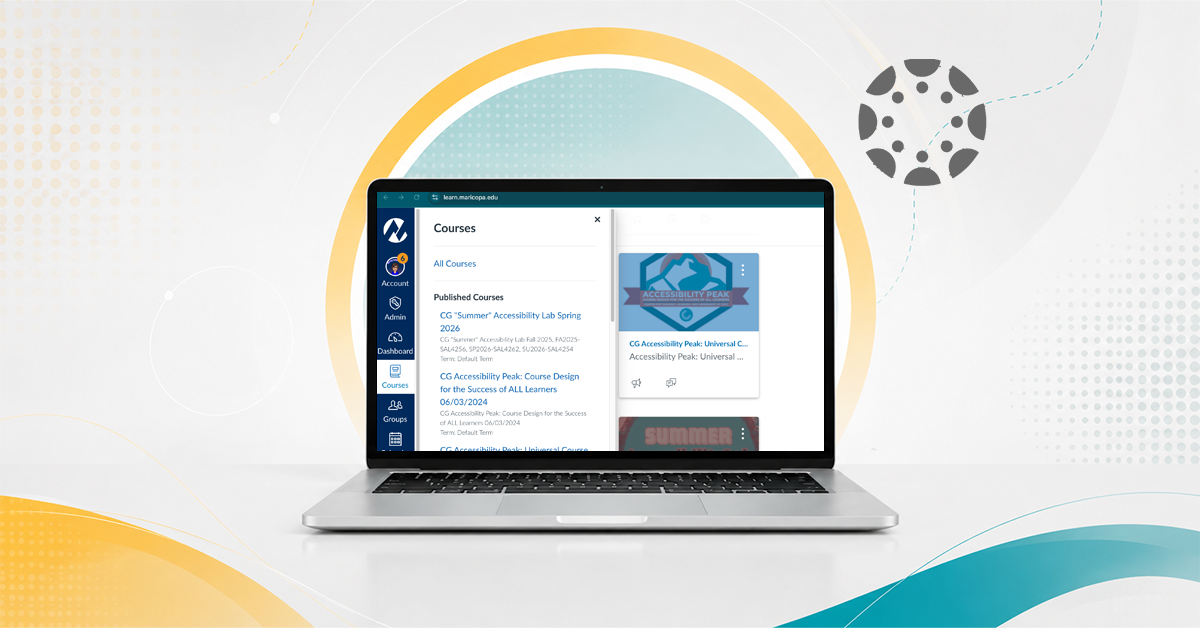
CGCC uses Concourse for course syllabi. Concourse is embedded in Canvas and provides a college syllabus template with institutional policies, course information, meeting details, materials, and guidance for required sections.
Faculty should review and complete their syllabus during the first week of the course. After that, syllabi should not be edited unless a correction is needed so the syllabus can serve as part of the academic record.
Syllabi are typically available for instructor editing about one week before the end of the previous academic semester. Read more FAQs below.
Before You Begin
Your Concourse syllabus is connected to your Canvas course. Once your Canvas course is published, students can see the current version of the syllabus in Concourse – Student View does not work with Concourse.
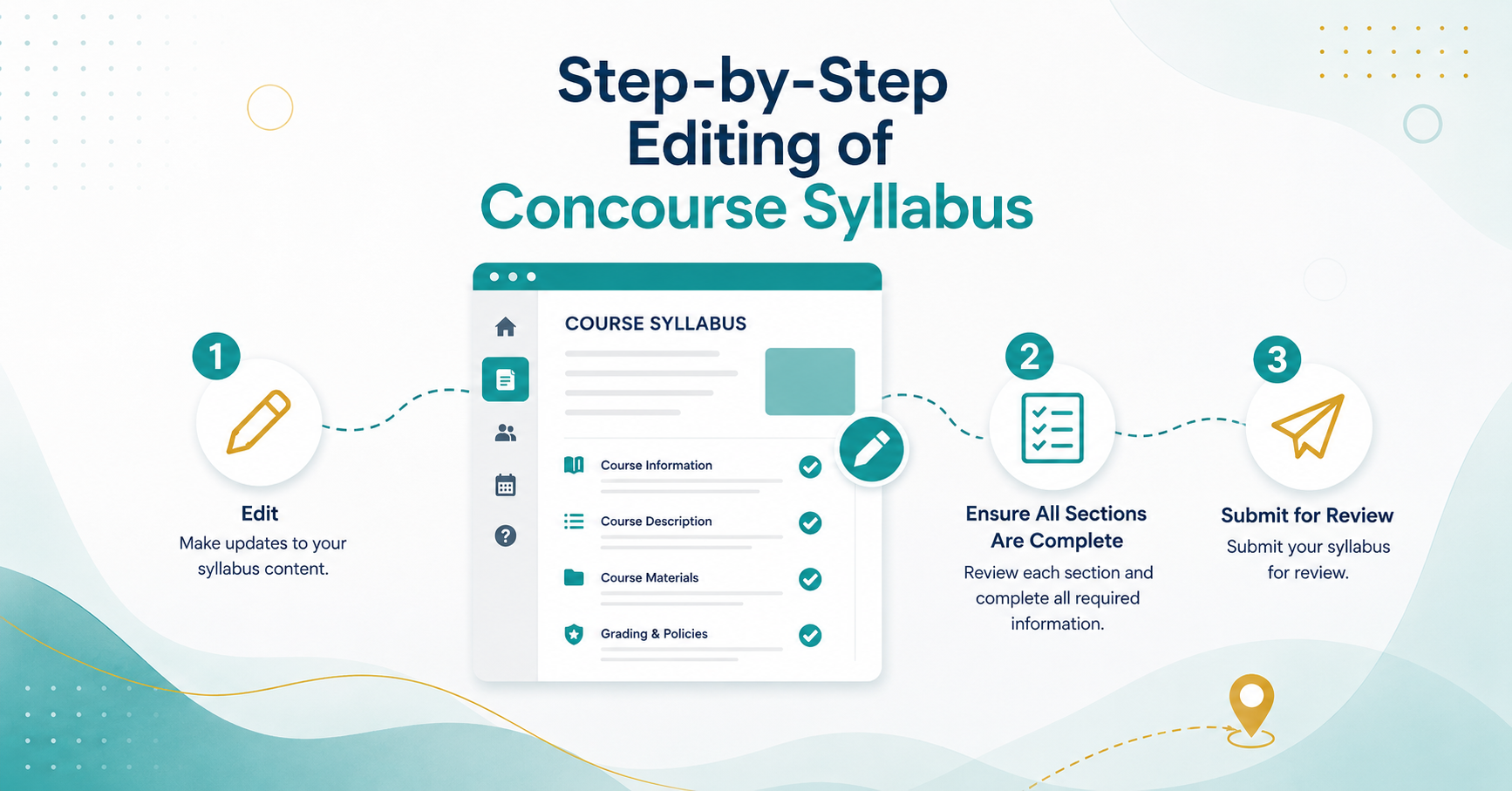
Before sharing the course with students, make sure:
- Required syllabus sections are complete.
- The red warning text at the top of the syllabus is resolved.
- Your syllabus has been submitted for review.
Concourse Syllabus Guides





Concourse Syllabus FAQs
Syllabi are provisioned at the end of the prior semester. Once new Concourse Syllabus templates are provisioned, the previous semester syllabus will be locked for editing. The Concourse team chose to put this safeguard in place to avoid inadvertent editing of prior semester syllabi when attempting to use the Copy From tool in the Concourse system.
On that same note, once you complete your first syllabus, you may use the copy tool to copy into other sections of that course, please recognize that you must select each section to copy not select the name of the syllabus you wish to copy from. You will load in the other syllabus and think that the copying was completed. ALWAYS check the header to ensure you are in the right syllabus before editing.
Students have immediate access to the Concourse Syllabus when the Canvas course is published regardless of the audit status. ‘Student view’ does not work with Concourse Syllabus.
If you teach multiple sections, once you complete one syllabus, you can easily copy the editable sections into your other courses.
It is a best practice, if you intend to cross-list your courses, or you teach in a learning community that you follow a few tips found in the Concourse Cross-Listing document.
Division chairs should submit a request for additional permissions.