CFA Assessment Rubrics and Artifacts Home

Submit Files for Archival Review

When you are ready to submit assessment rubrics and student artifacts, please use the upload form.

Before uploading student artifacts, remove or black out any student identifying information. For help collecting artifacts from your Canvas course, review the Canvas artifact collection guide.

This upload is for archival purposes only. To collect assessment data, review the current assessment process.

Review Uploaded Files

Your division can access submitted documents through the Google Drive folder linked below. These folders are restricted so that only CTLA staff and members of your division can view the files.

Please contact the CTLA if you are adjunct or residential faculty in this division and are unable to access the folder.

Assessment Topics

smart post preloader
Backward design starts with the end in mind back to the objectives

Assessment Process at CGCC

Process of Academic Assessment Academic assessment at Chandler-Gilbert Community College…

Learning Outcomes at CGCC ChatGPT featured image

Learning Outcomes at CGCC

​At Chandler-Gilbert Community College (CGCC), assessment of student learning occurs…

Helio Campus

HelioCampus Assessment (HCA) Guides

HelioCampus Assessment (HCA) is the tool CGC uses for program-level…

Assessment Tools & Resources Featured image

Assessment Resources: Templates and Tools

Assessment Tools Use the resources below to locate assessment documents,…

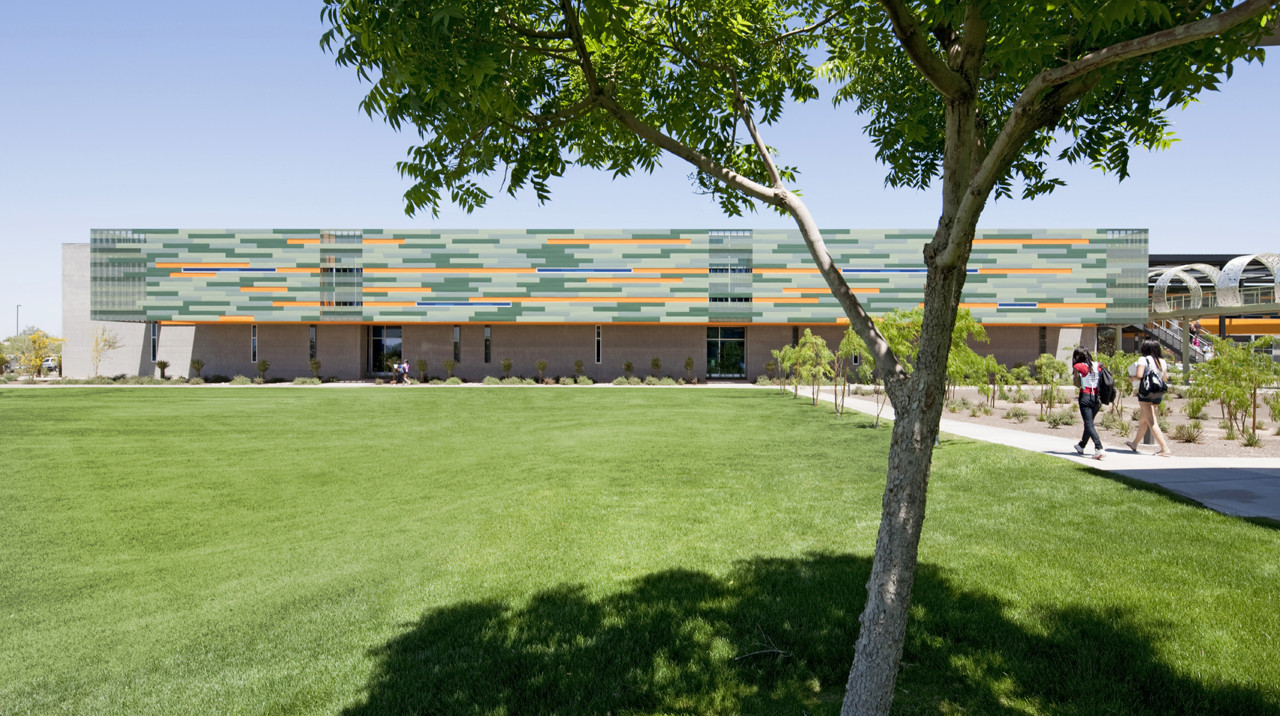
CGCC classroom building

Assessment at Chandler-Gilbert Community College

At Chandler-Gilbert Community College, assessment is a collaborative, faculty-driven process…